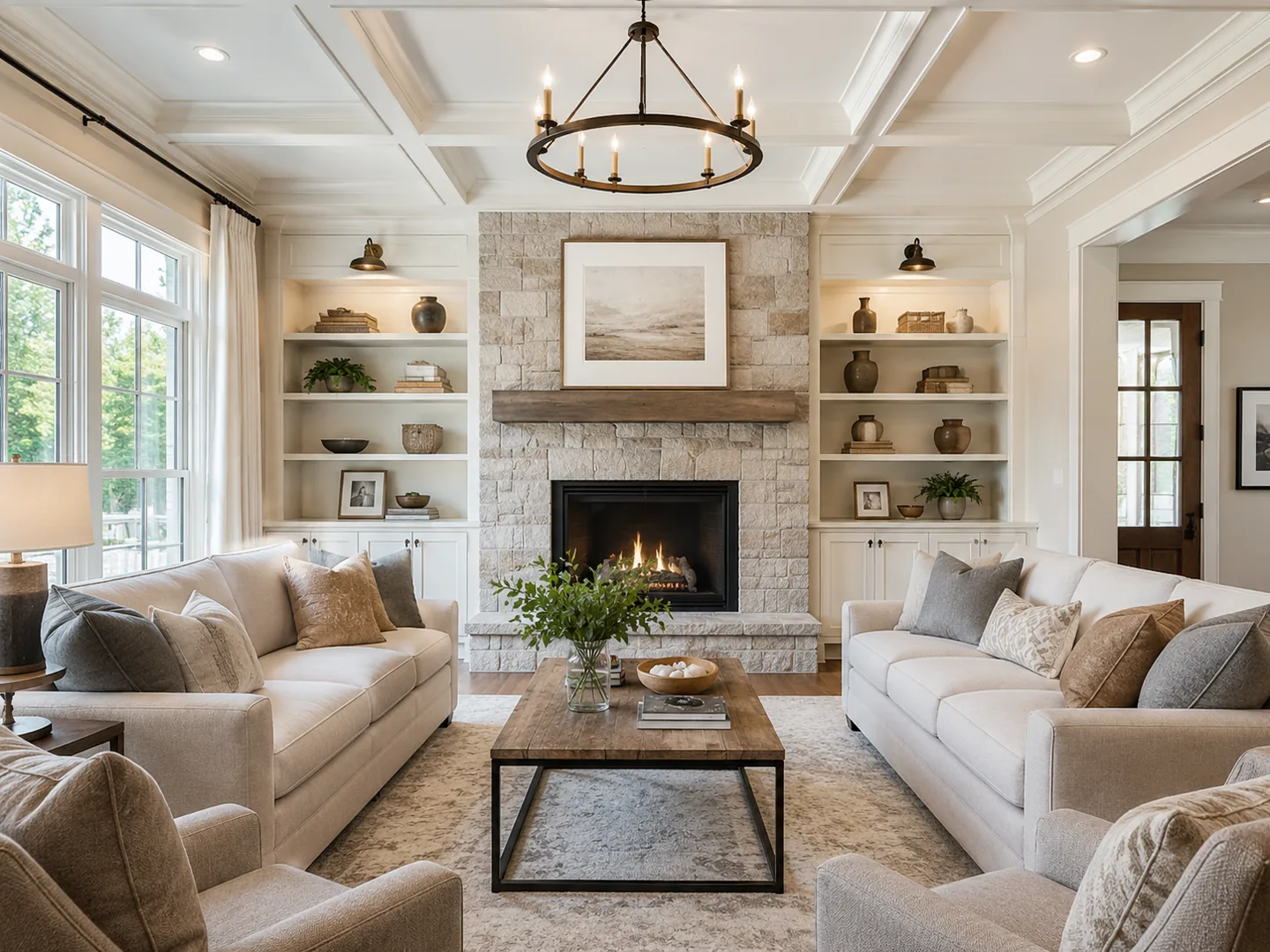
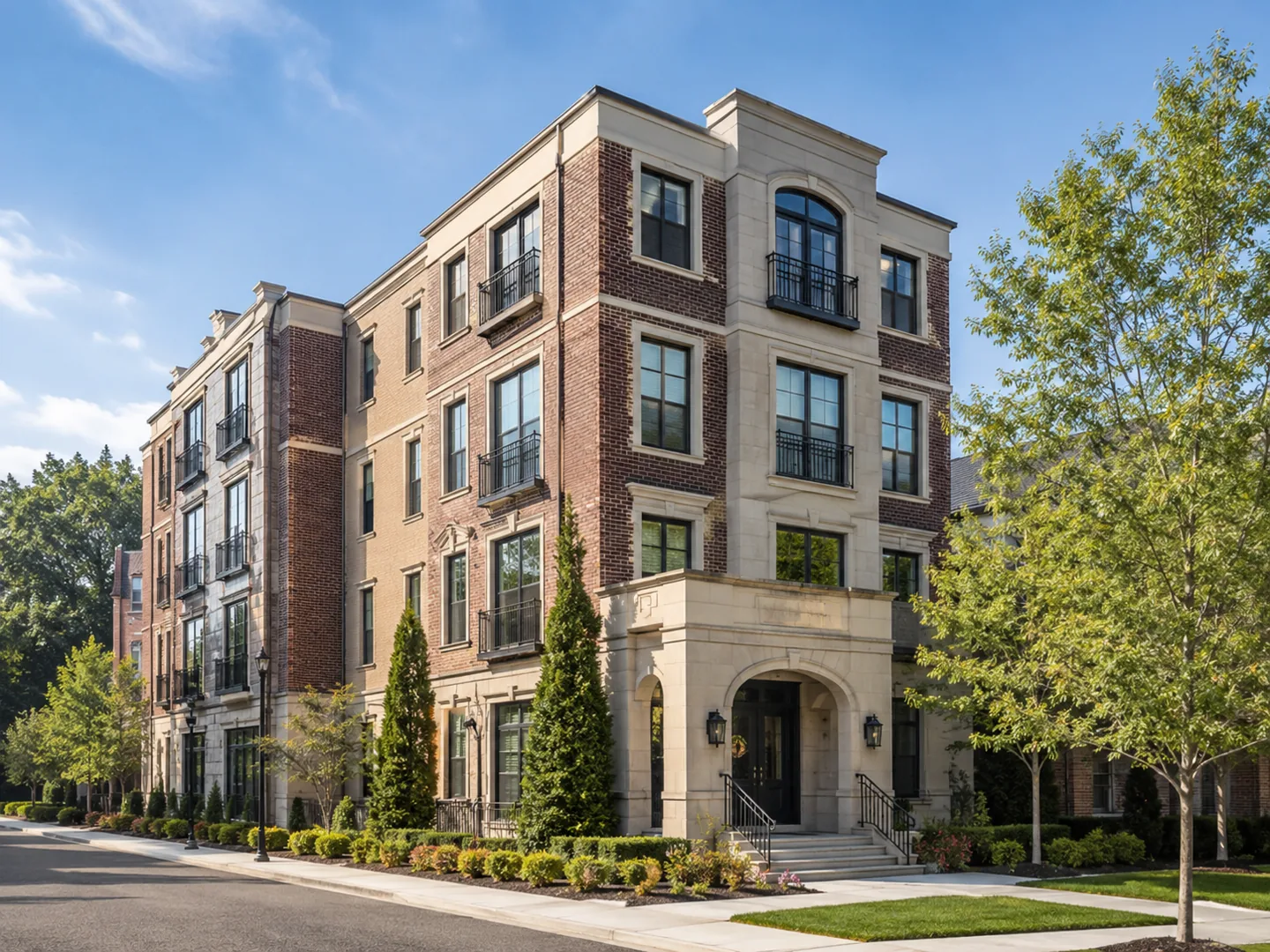
AI Real Estate Video Generator for Listing Photos
Turn property photos into ready-to-post listing videos with cinematic AI motion, captions, music, voiceover and branding. LoftCue Studio is a real estate video maker built for agents and teams who need professional property videos without filming or manual editing.





No credit card required Made for Reels, TikTok and Shorts
Listing photos inReady-to-post listing video outCaptions, music and voiceoverBranded and unbranded exports
Listing Video Maker Examples: See What Your Property Photos Can Become
Browse ready-to-post property videos created from listing photos.
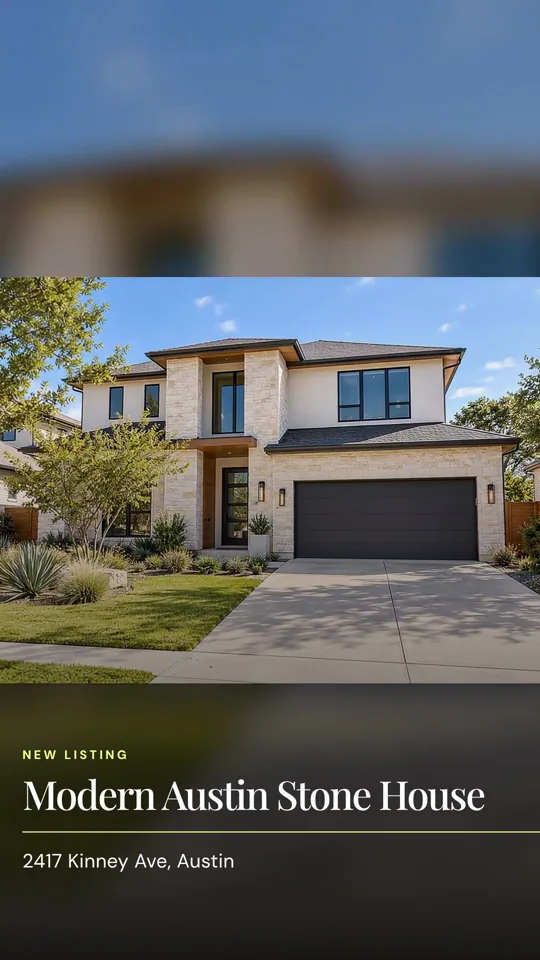
LoftCue listing video 1 of 5. A LoftCue real estate listing video example in vertical format.
AI Camera Effects Built for Real Estate Videos
Browse controlled motion effects created for listing photography.
Prepare every frame
Polish the photo before the video begins.
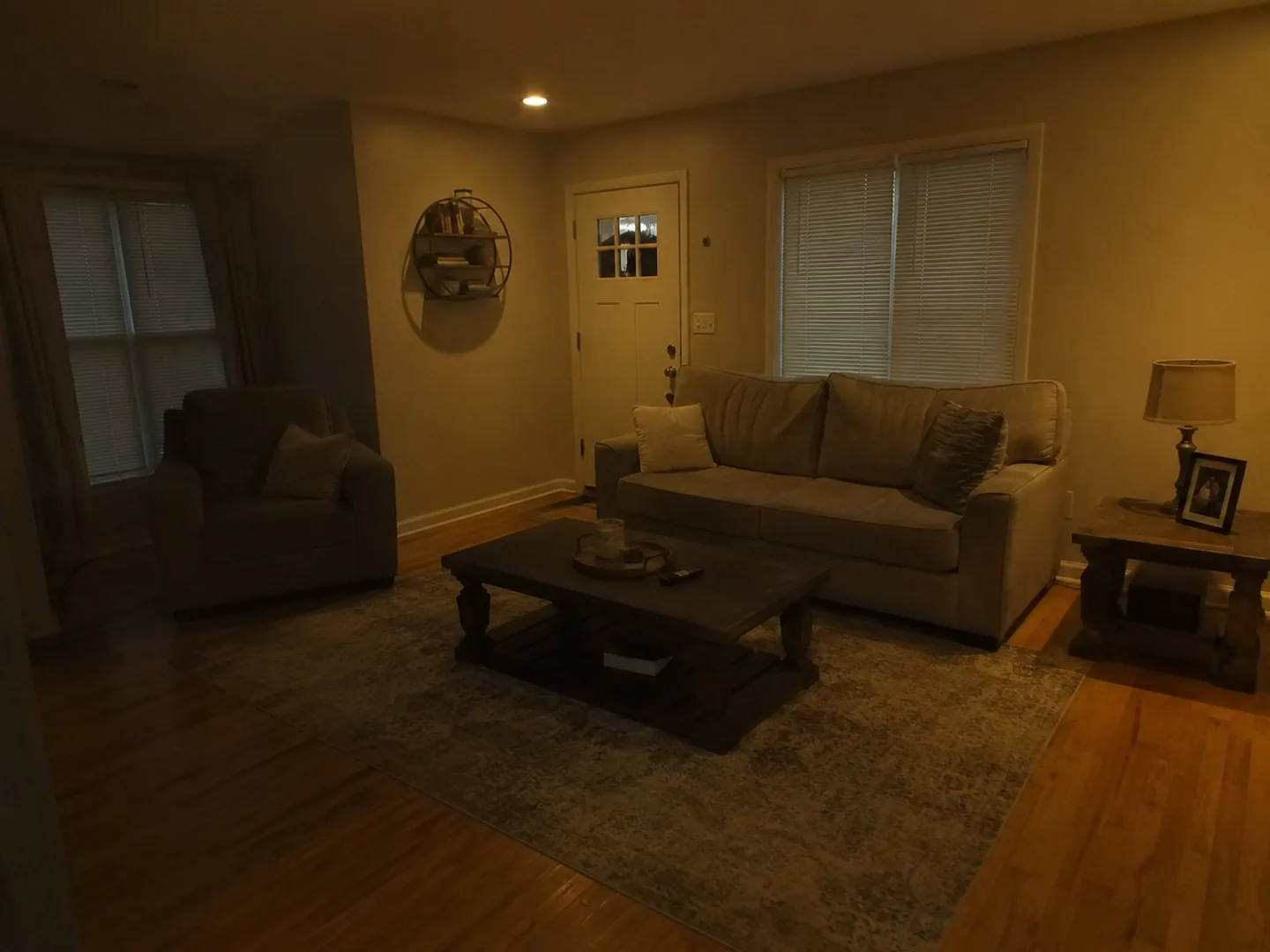
These are the same image transformation options available in the LoftCue studio. Use them to stage, refine or completely shift the mood of a listing image.
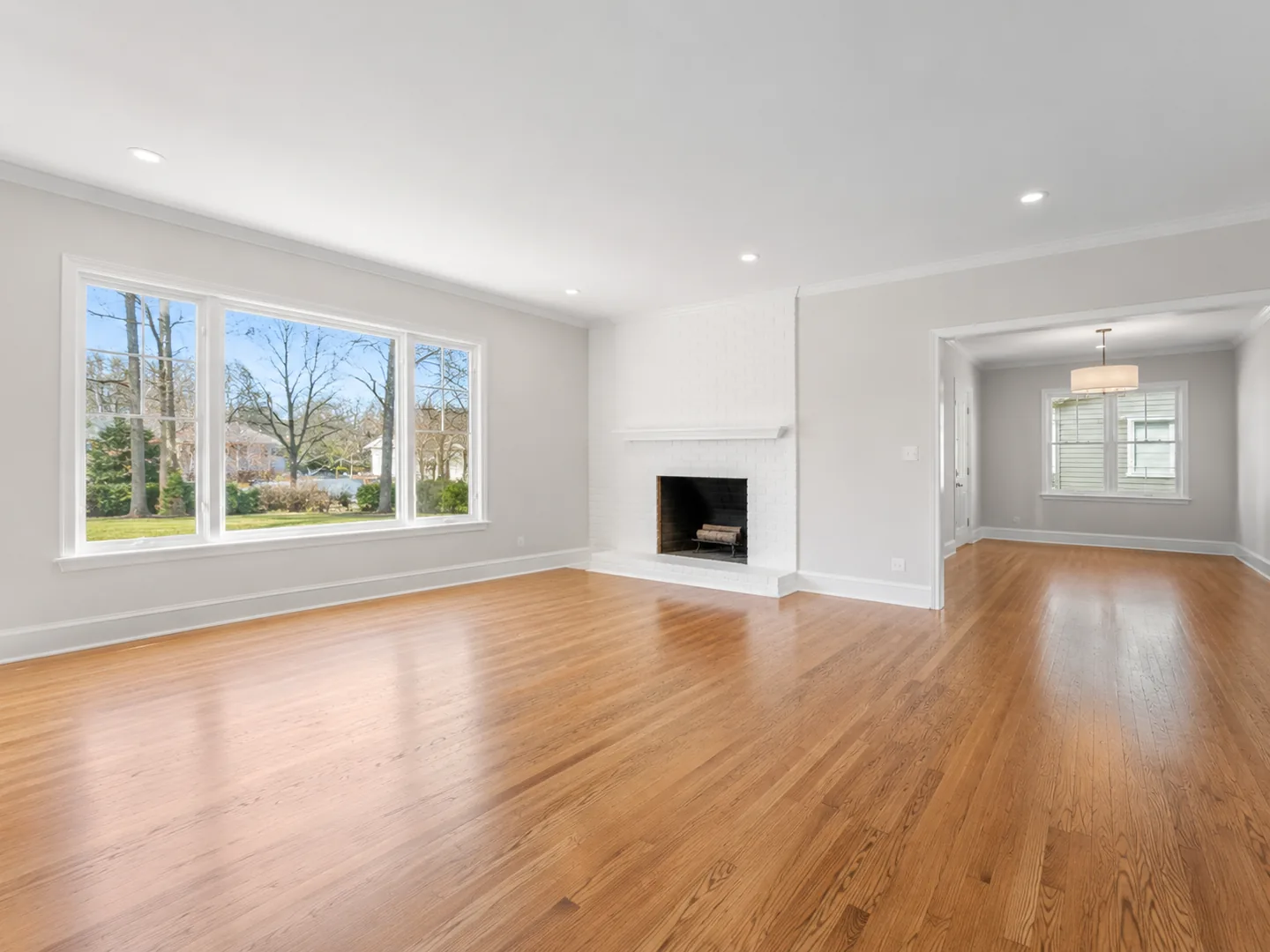
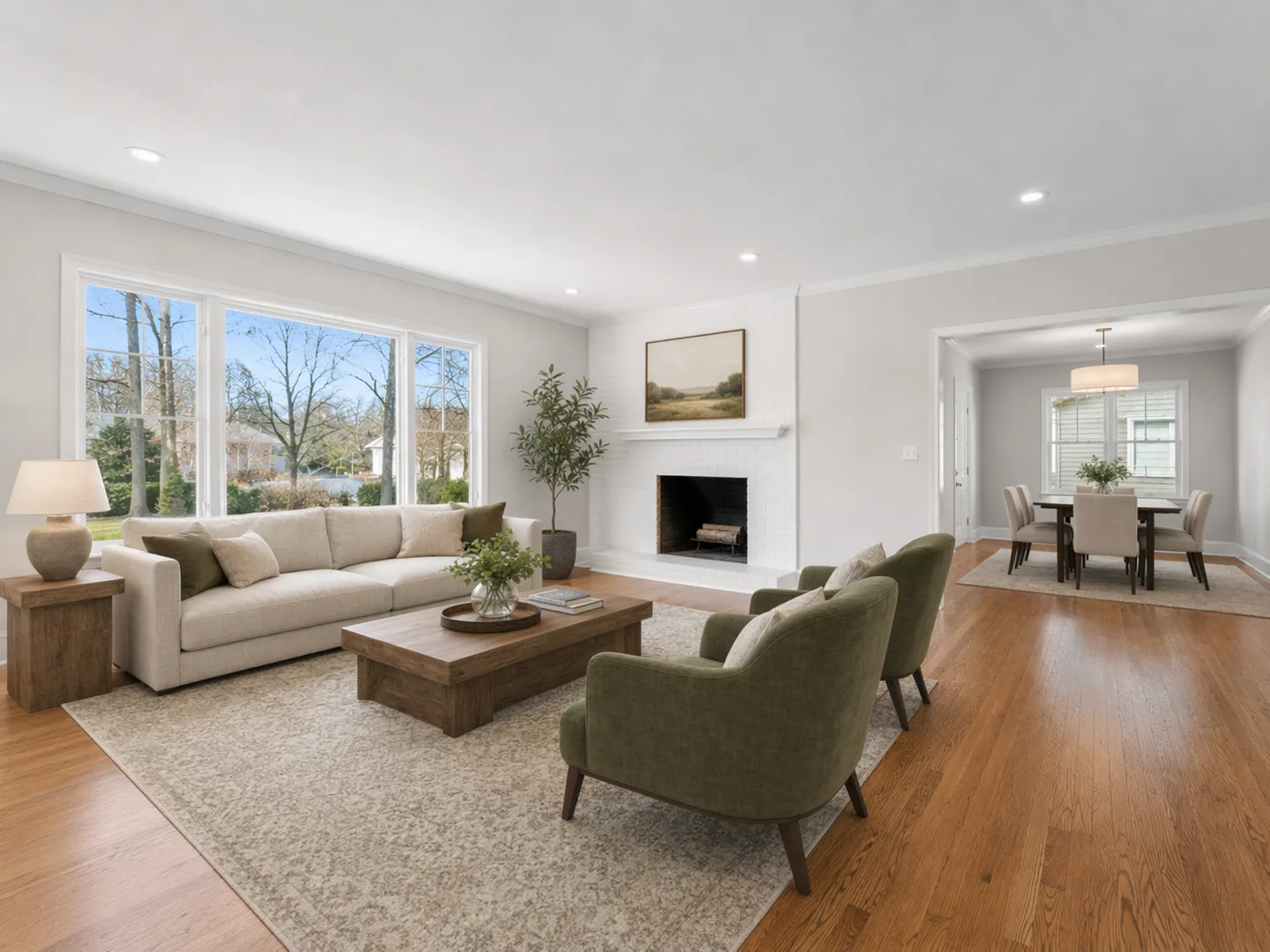
Virtual staging
Show the room's potential
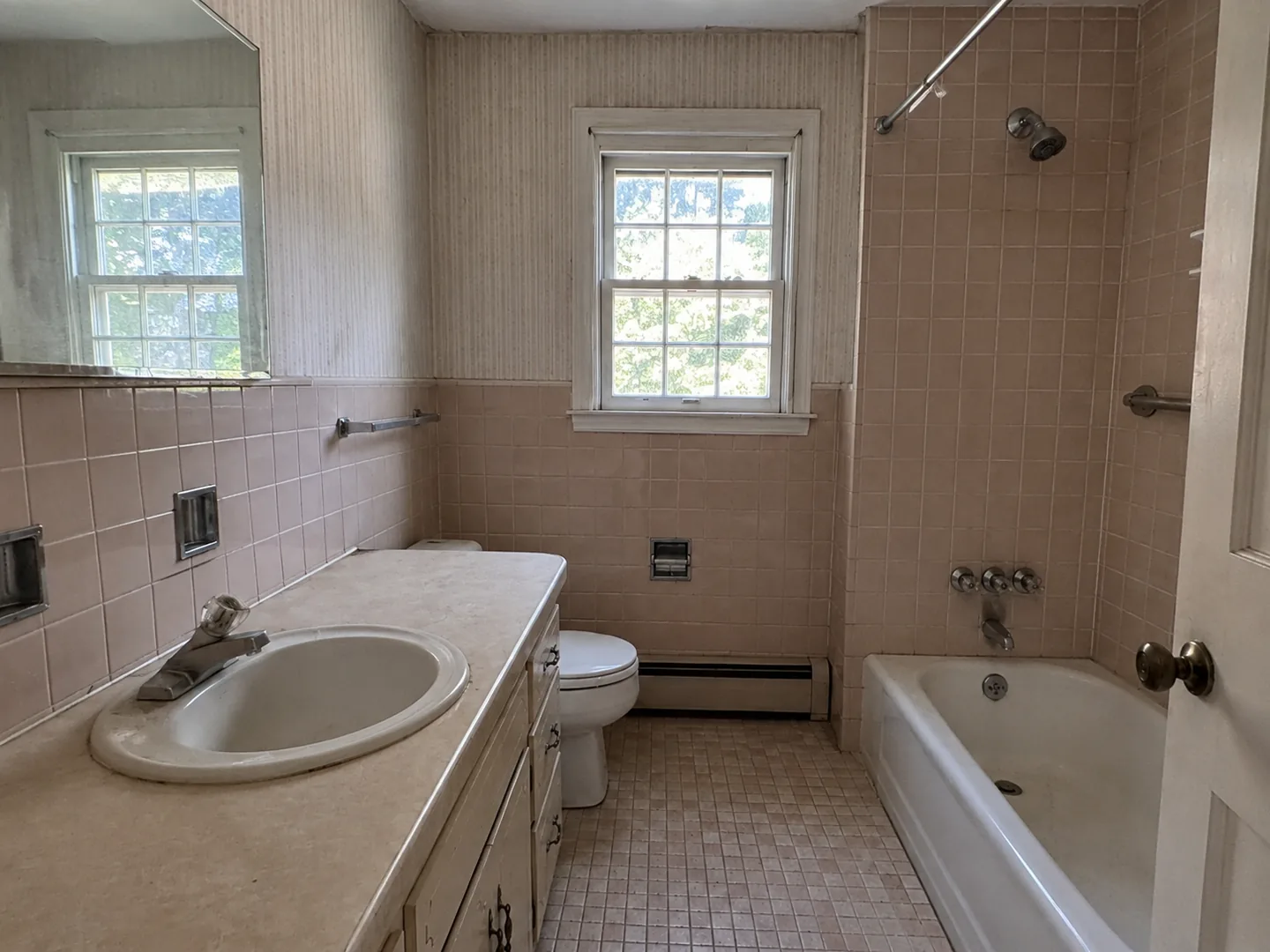
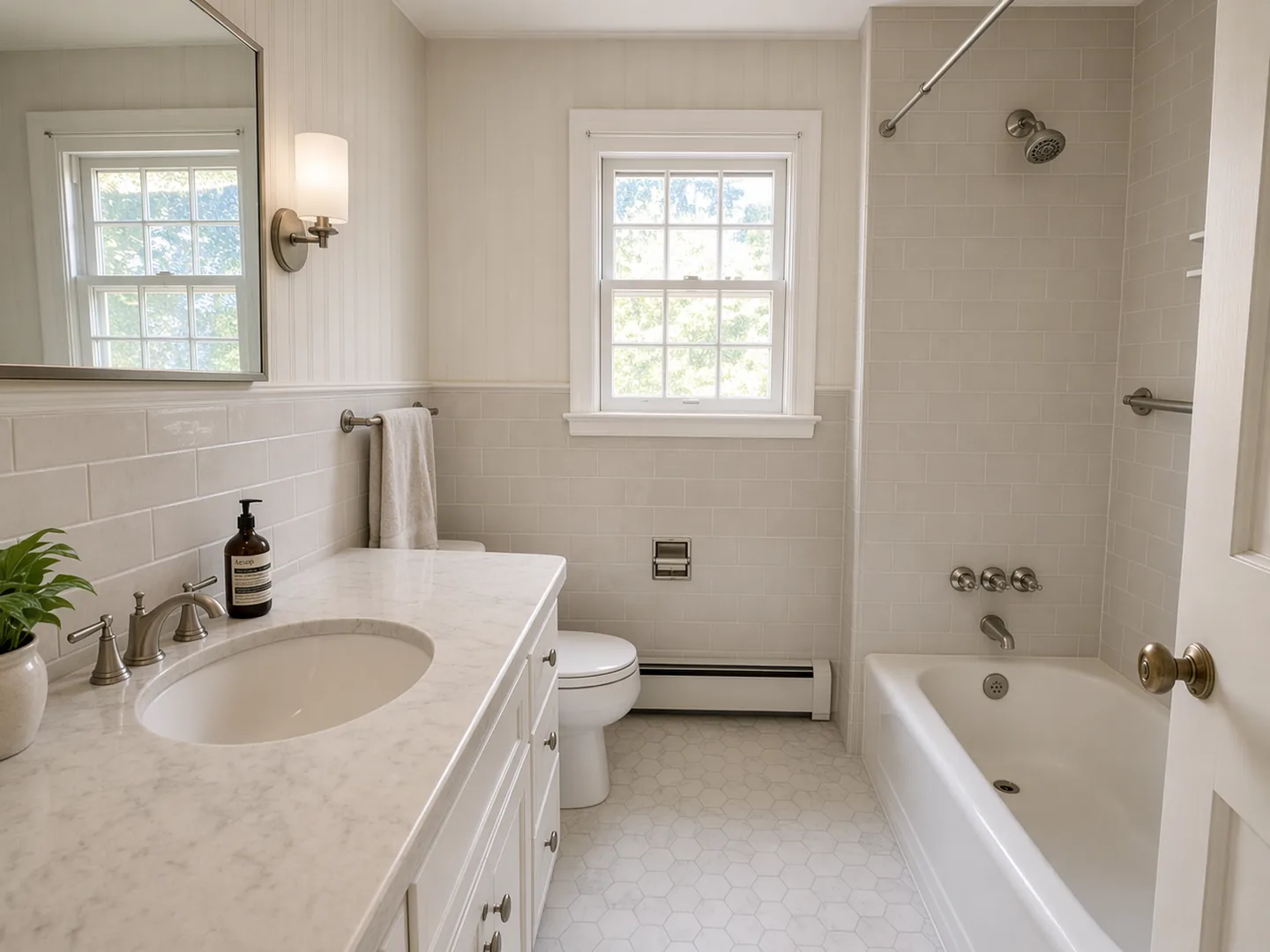
Renovation visualization
Make the next chapter visible
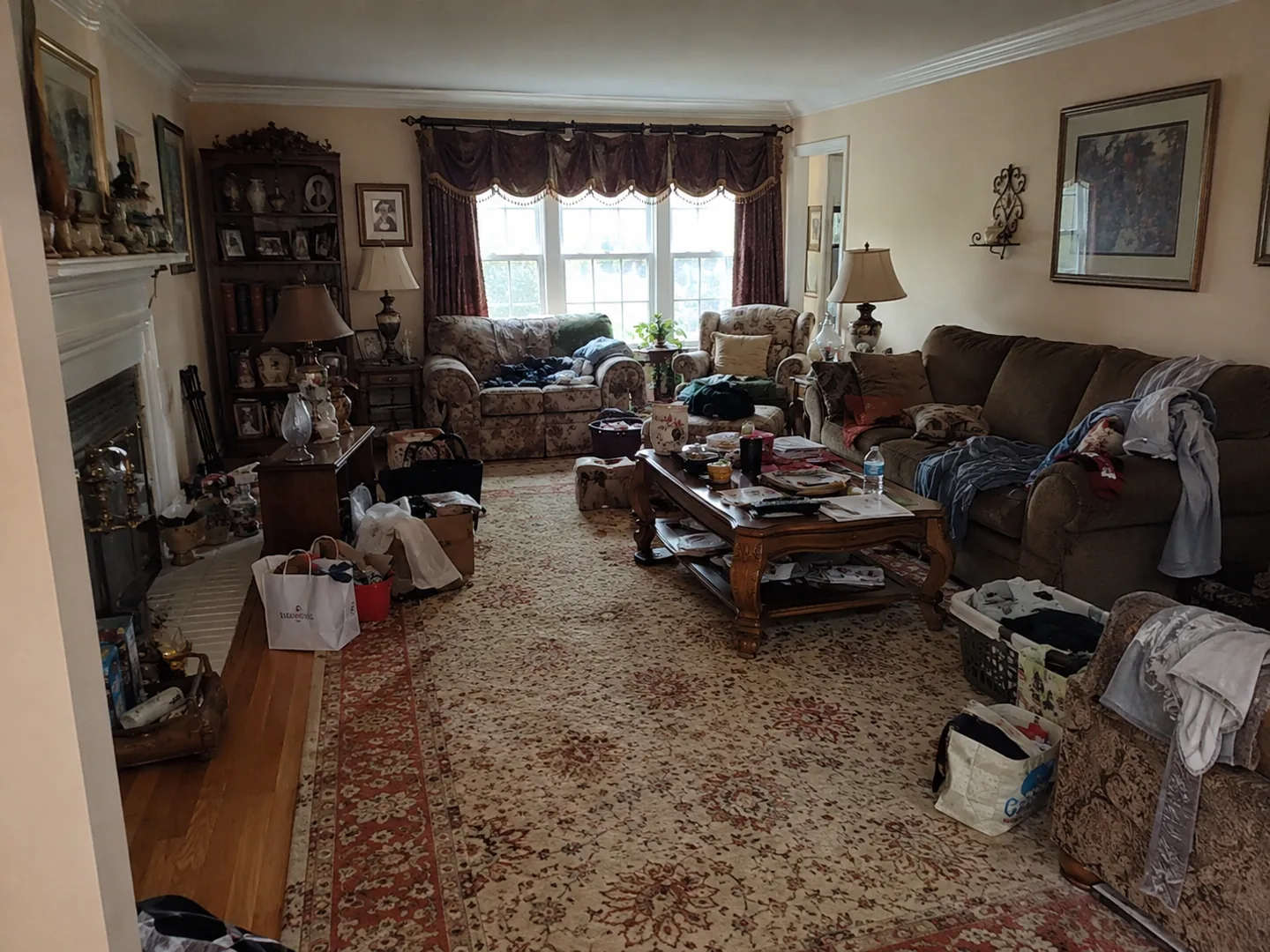
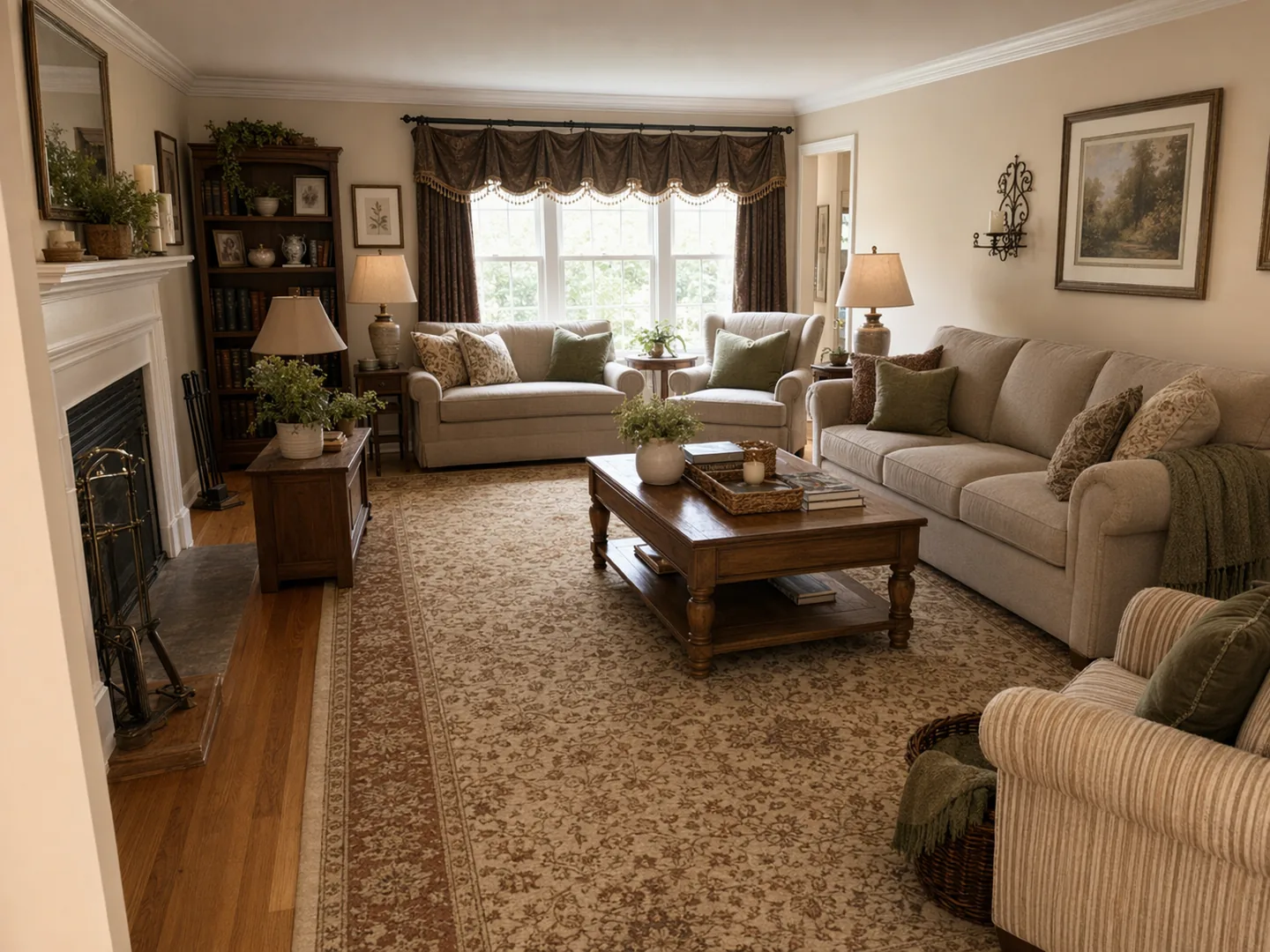
Interior restyling
Refresh the presentation
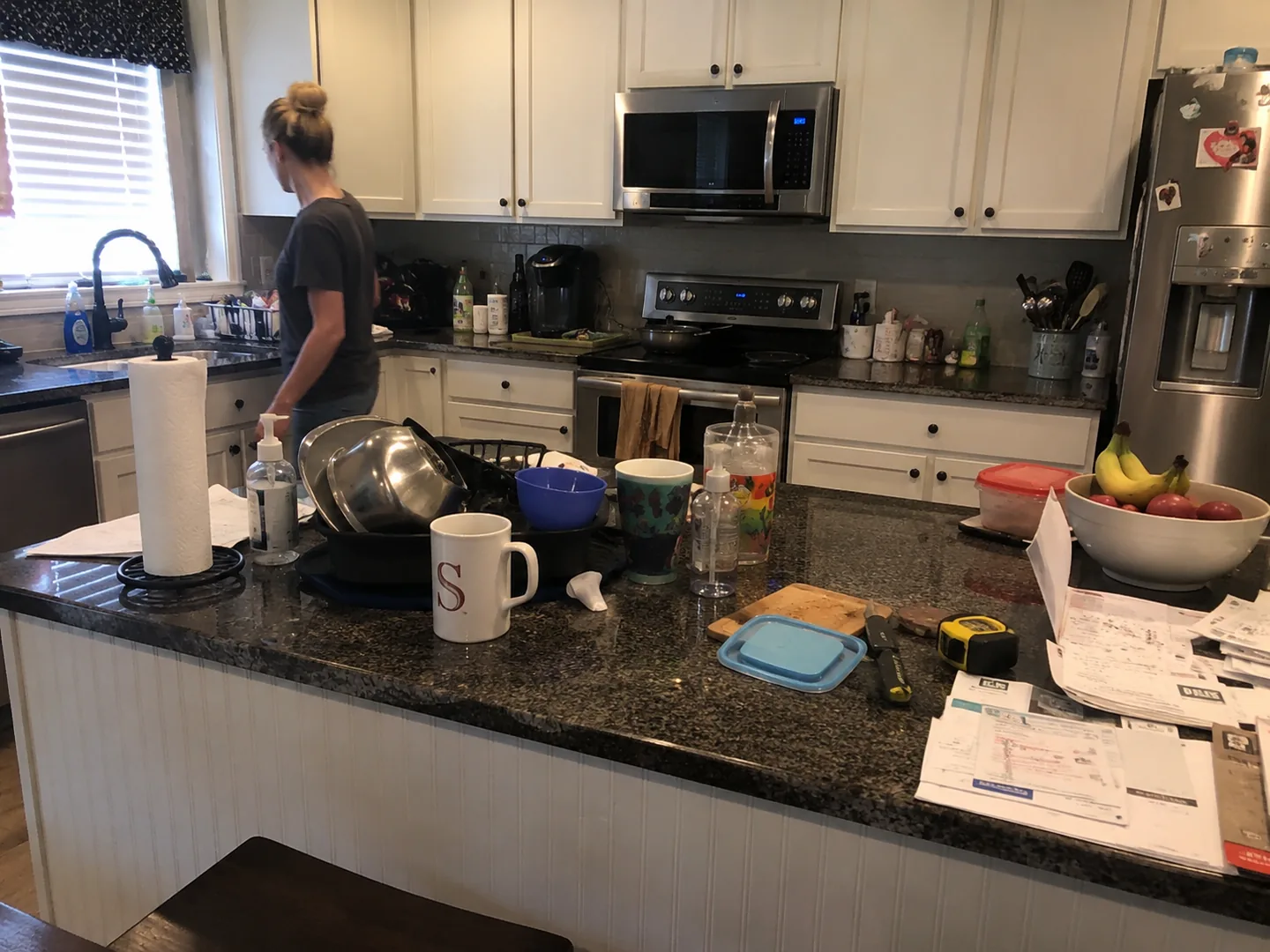
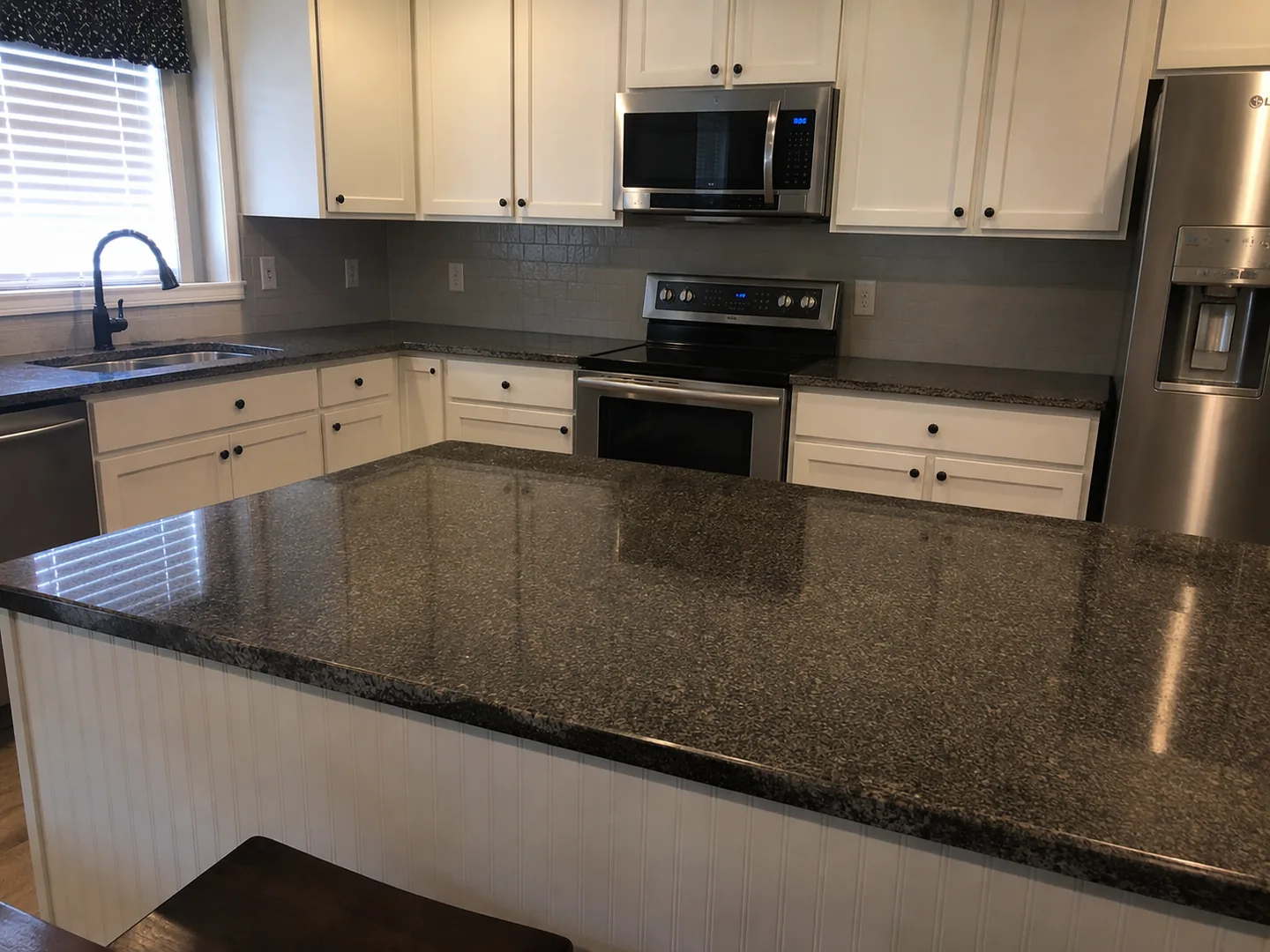
Remove people & clutter
Keep the listing in focus
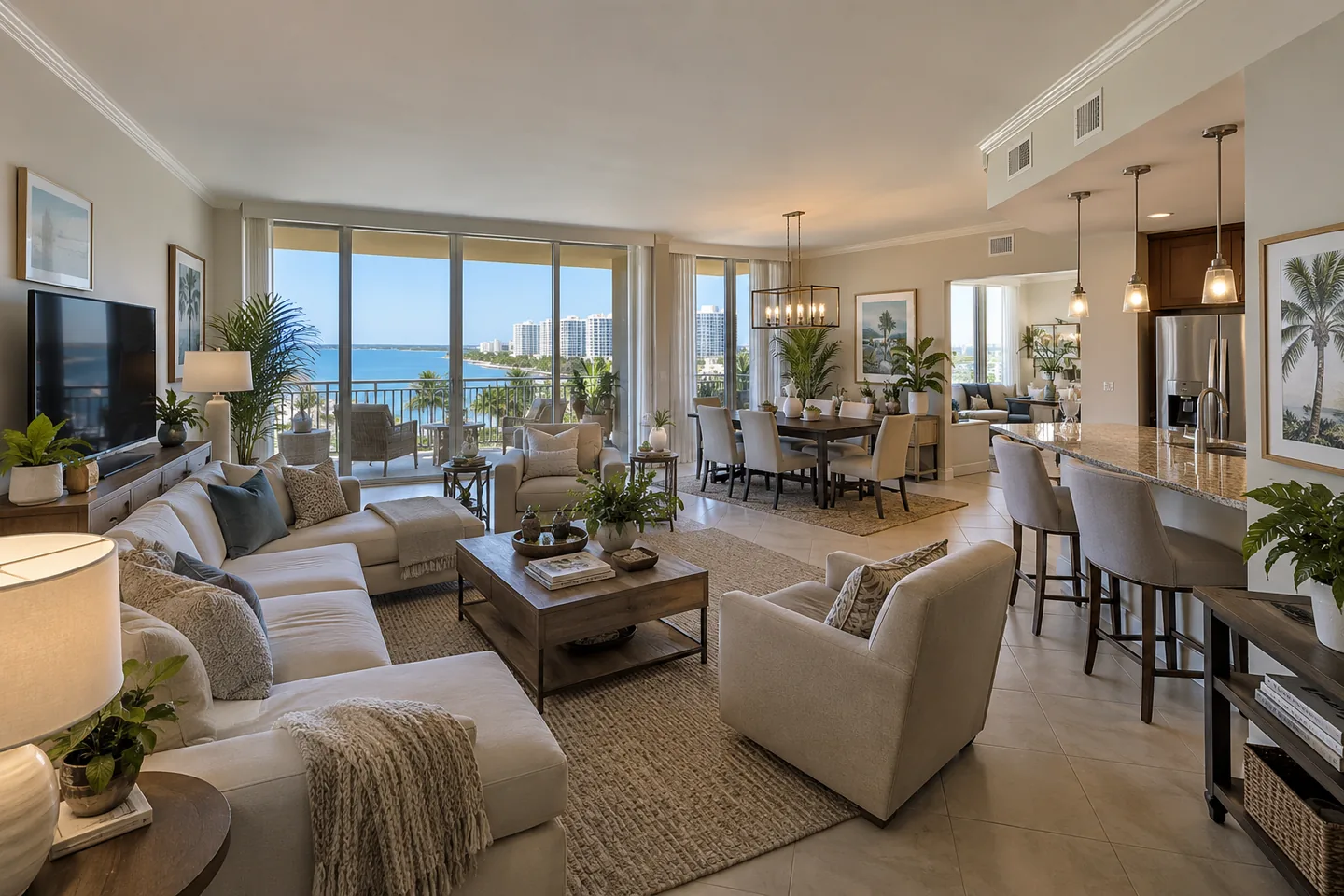
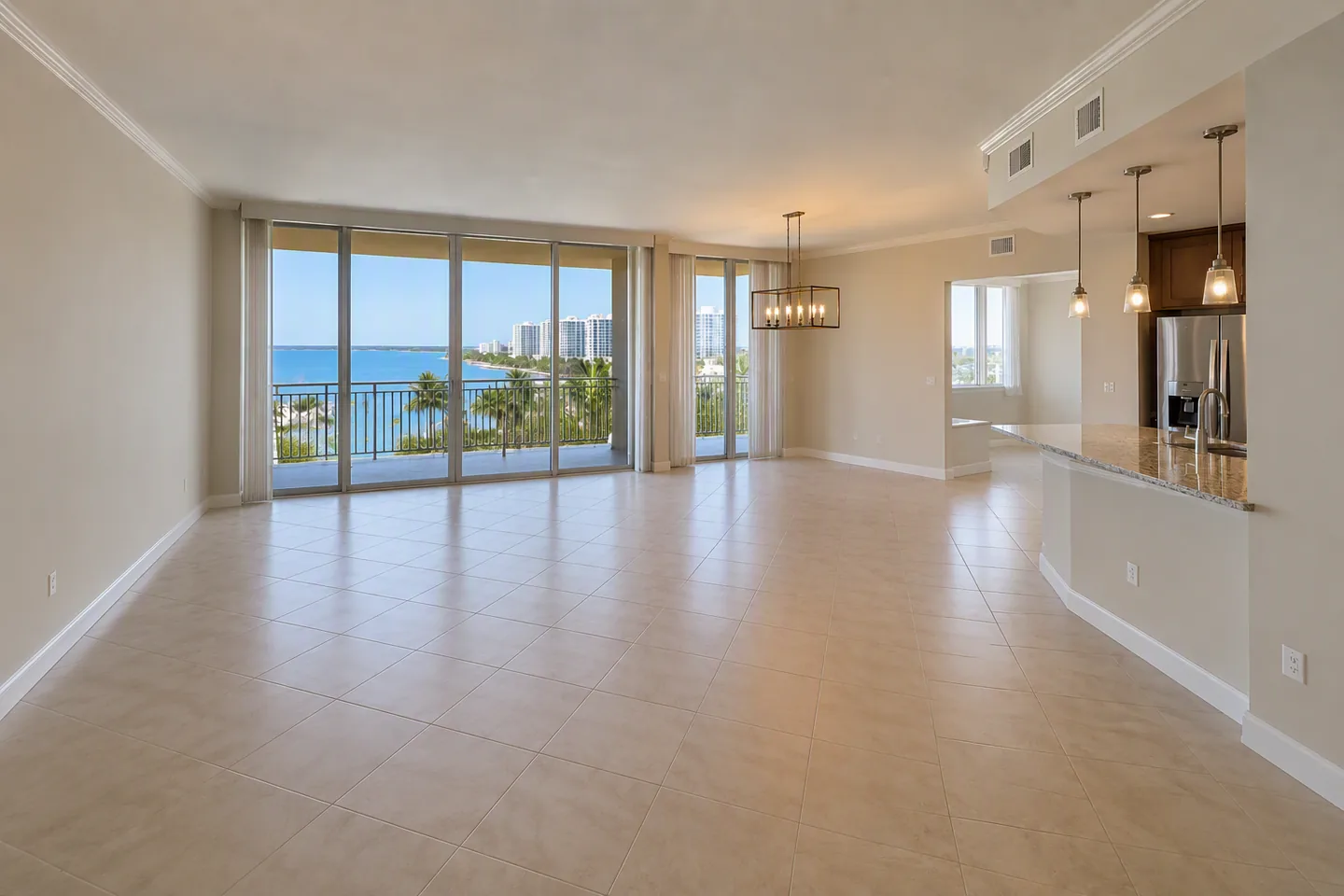
Furniture removal
Clear a room for a fresh listing presentation
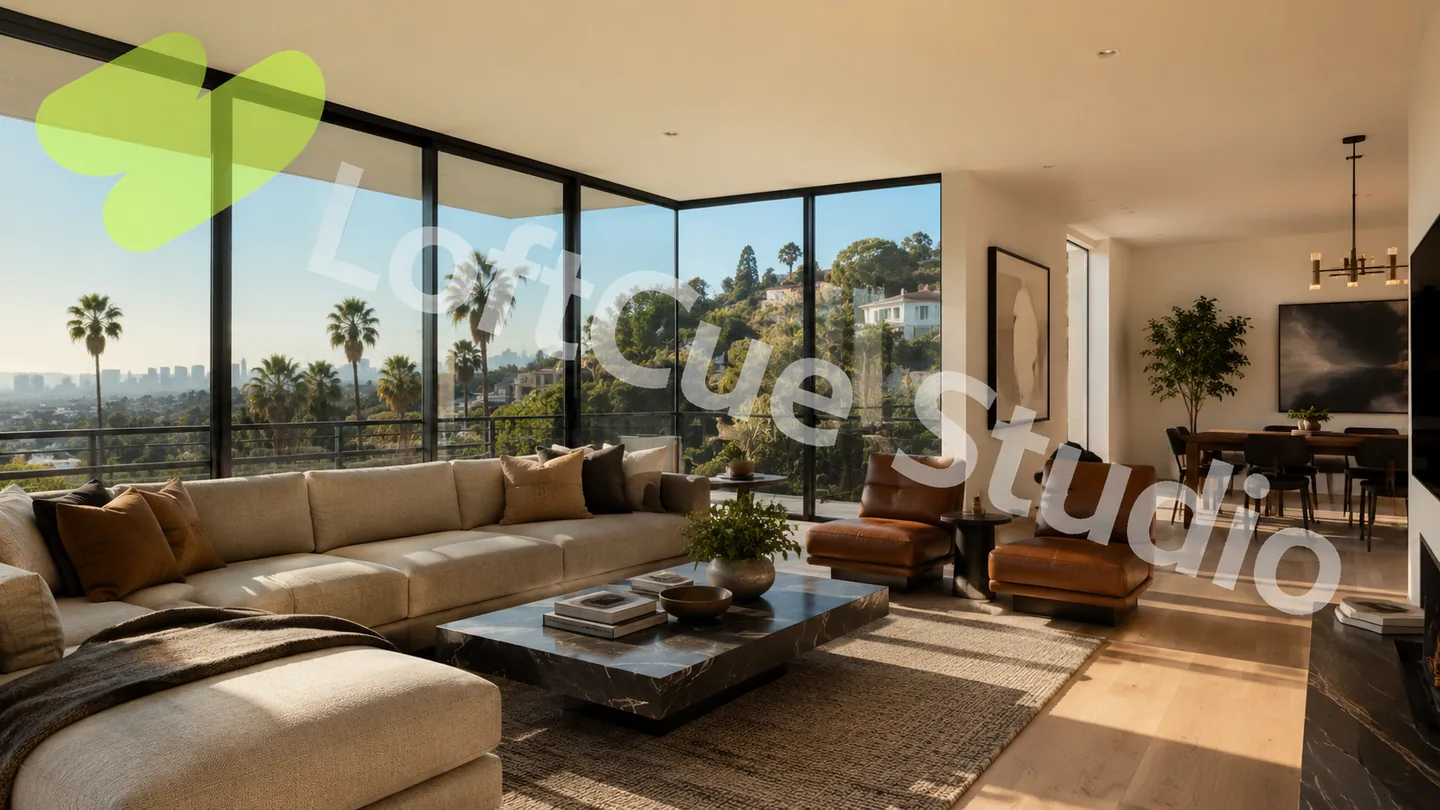
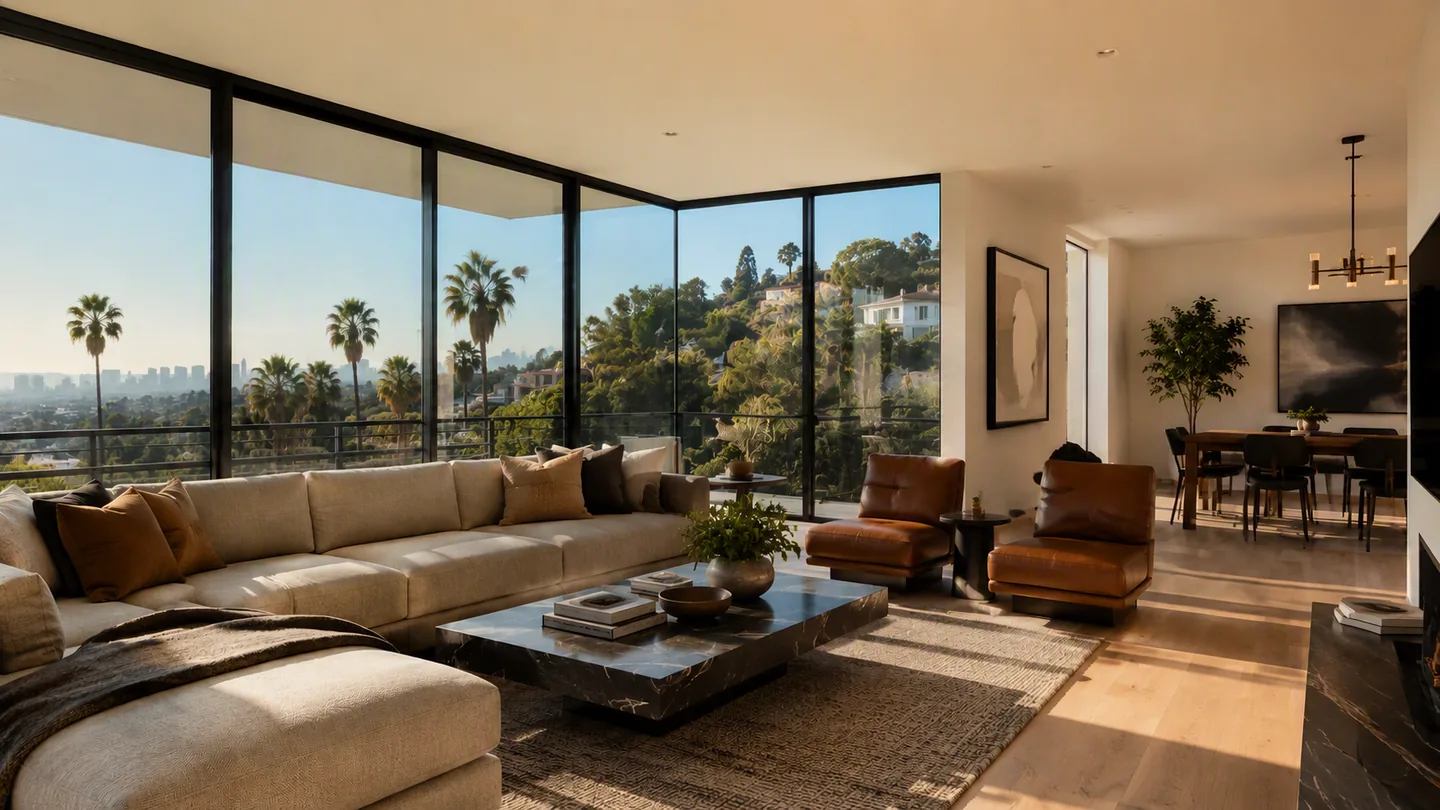
Watermark removal
Remove a visible watermark from an image you own or are authorized to edit
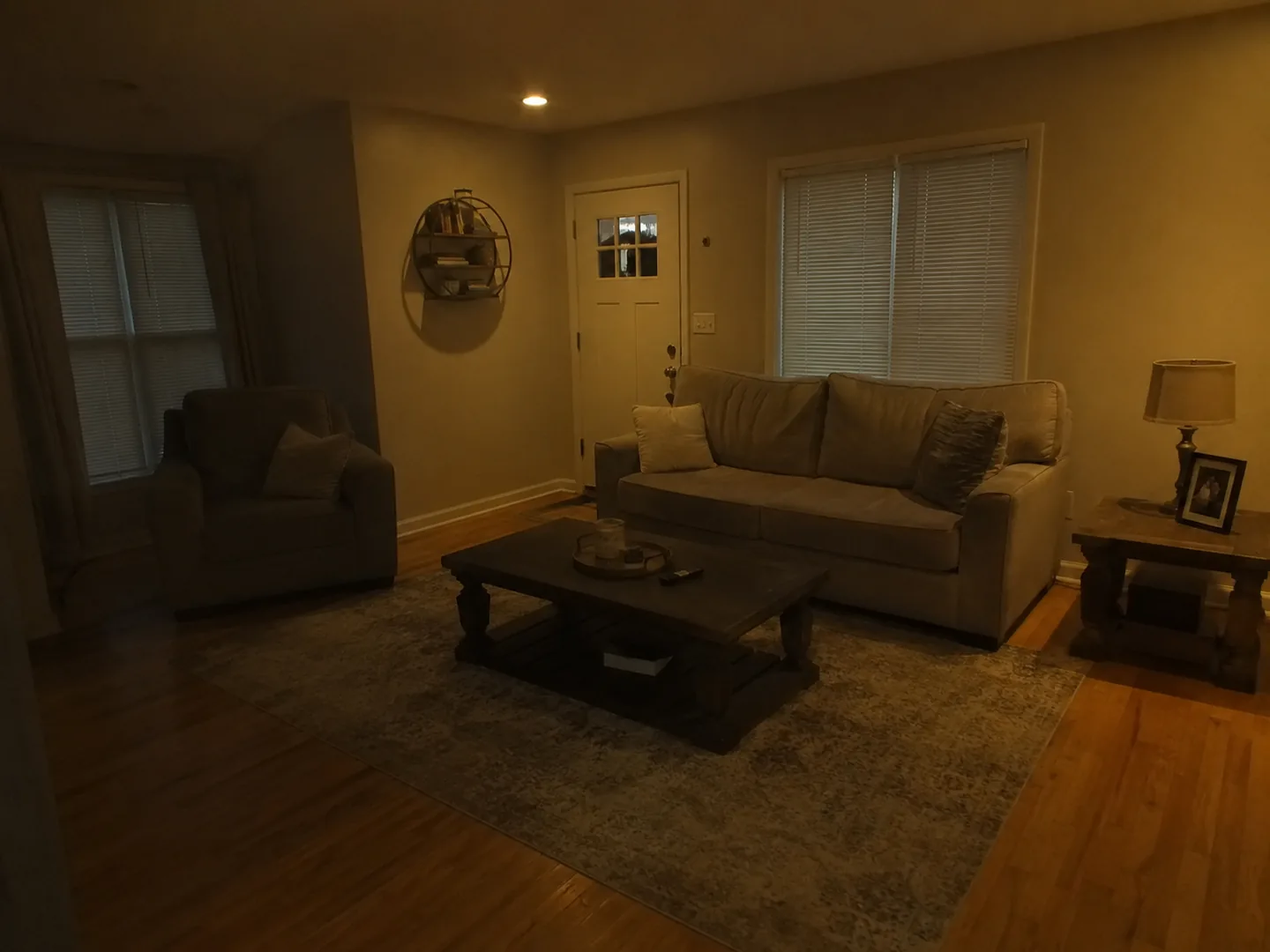
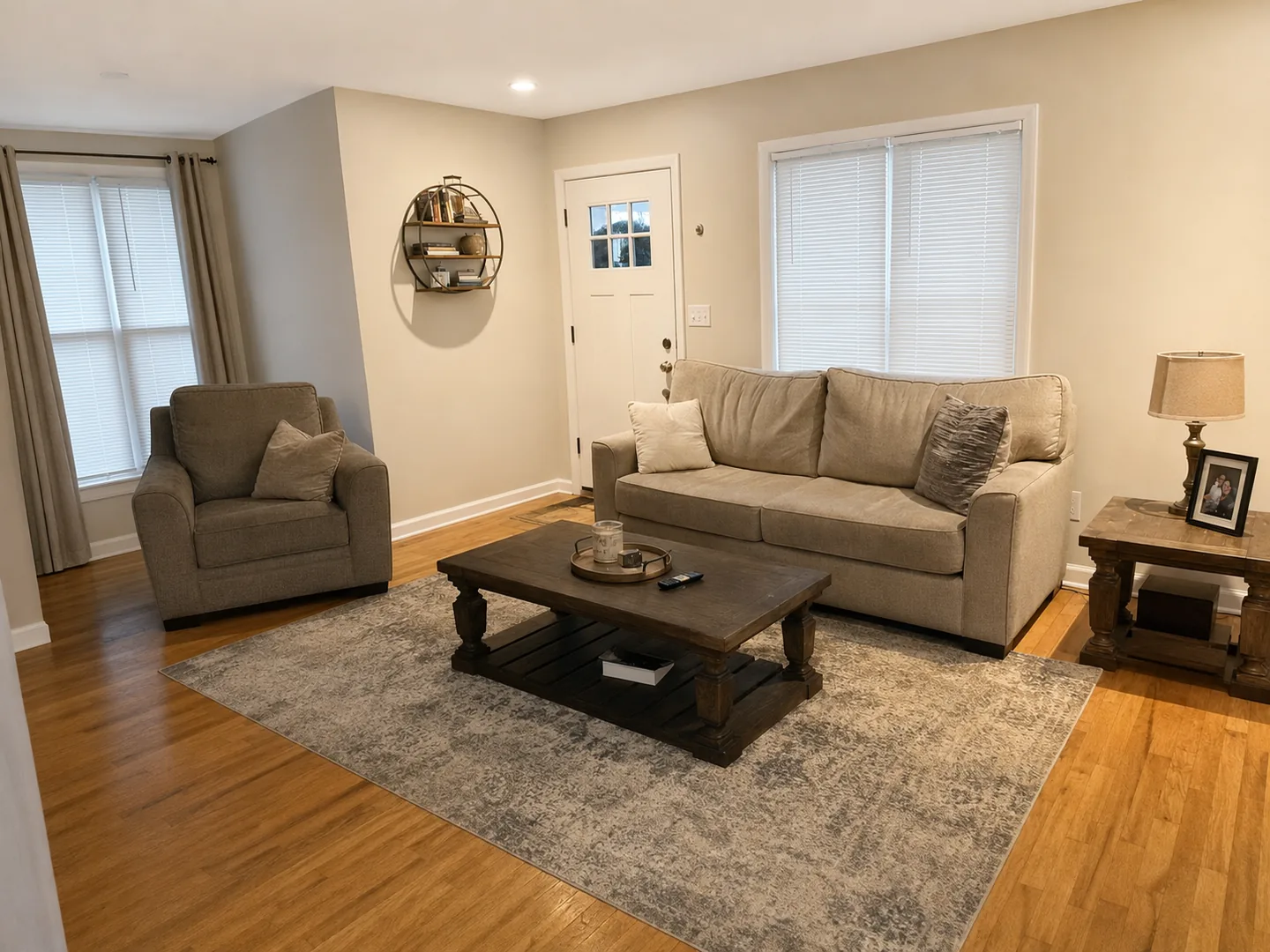
Photo enhance
Lift colour, clarity and light
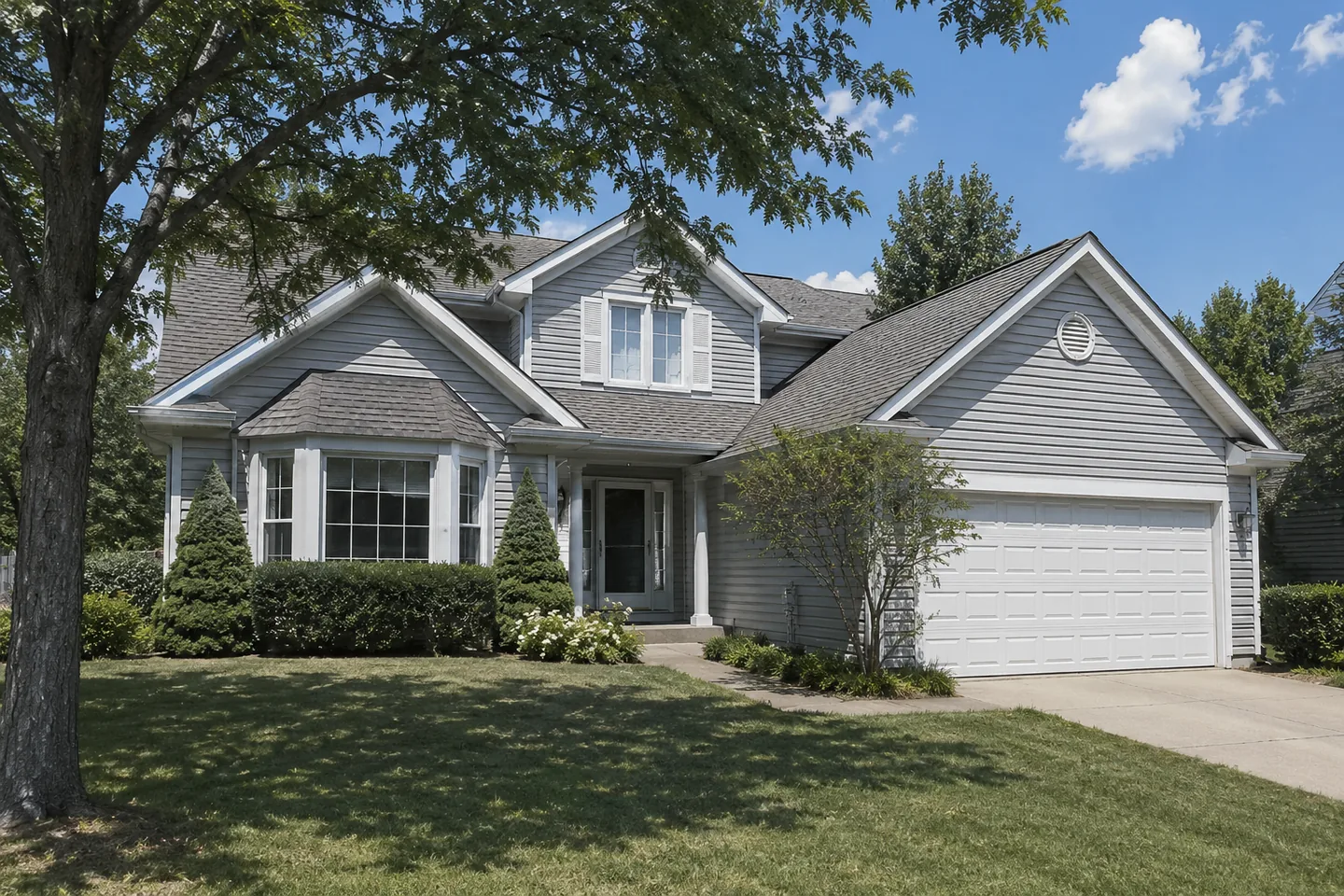
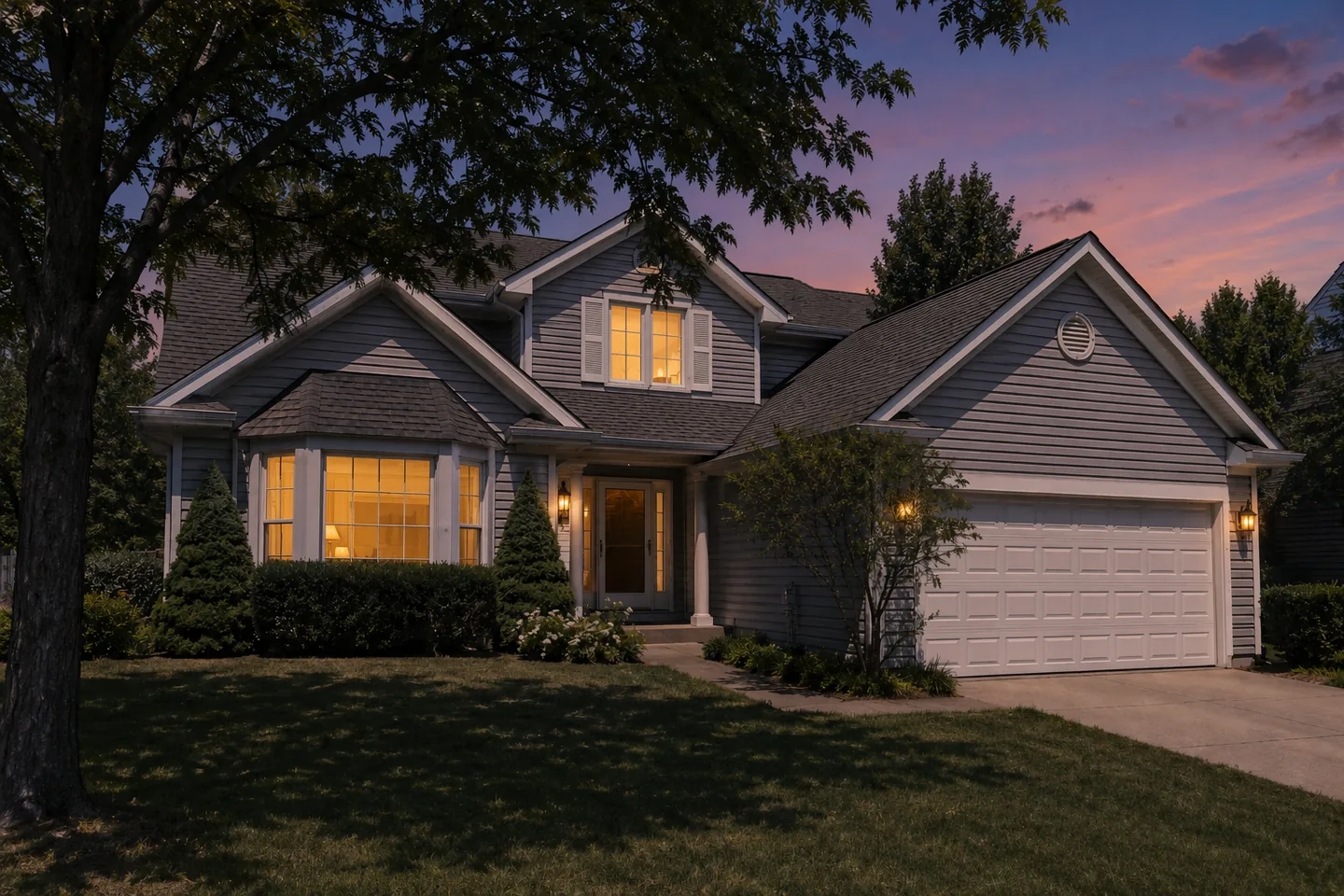
Day to dusk
Transform daylight into golden hour
How it works
Real Estate Photo to Video in Four Simple Steps
Turn existing listing photography into a finished property video without a new shoot or a traditional editing timeline.
Step 1
Upload your property
Add the listing photos you already have and arrange them in viewing order.
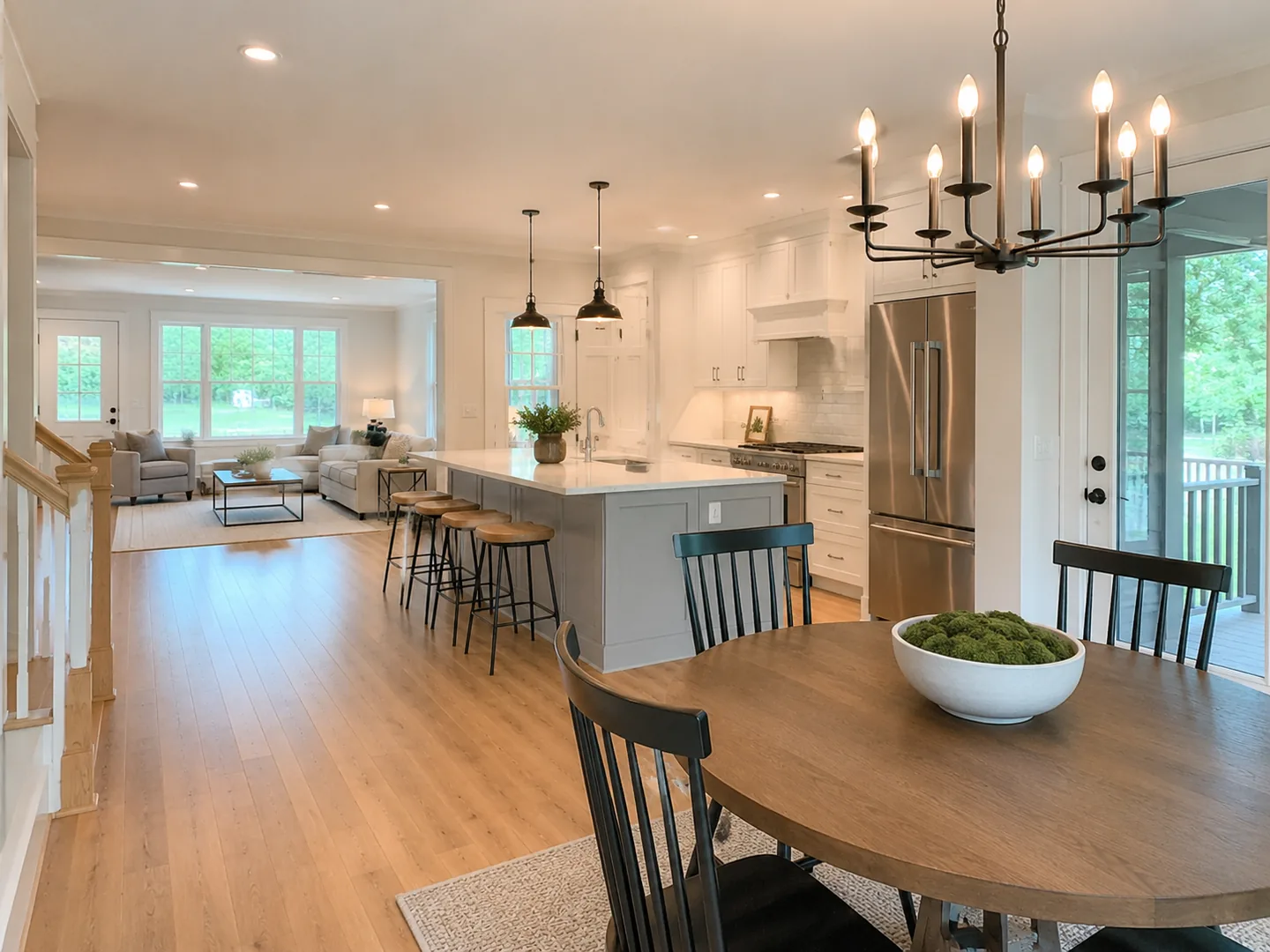
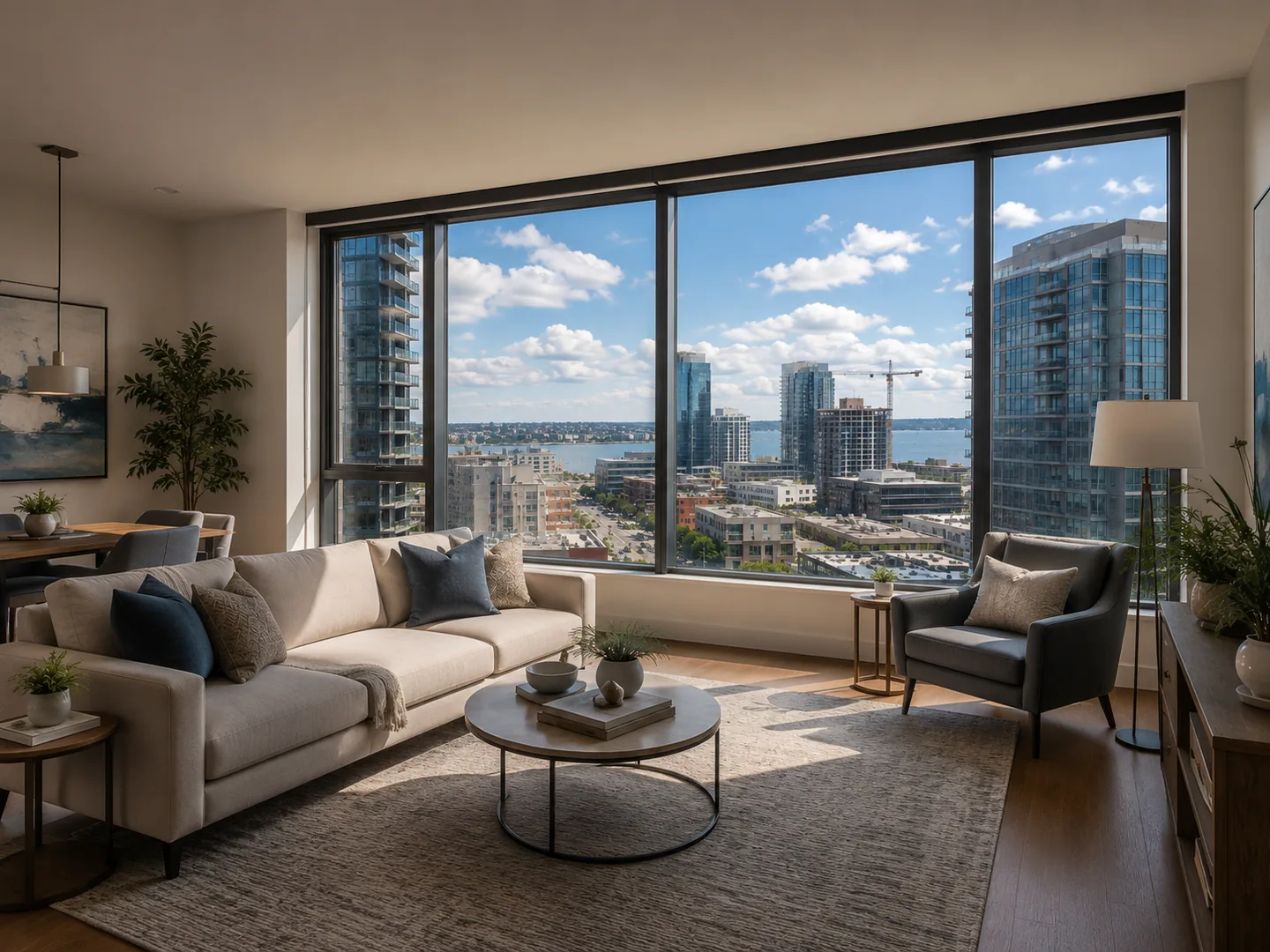

Step 2
Enhance photos and generate your video
Improve selected images, then generate a polished property reel.
Step 3
Choose the look and format
Pick a visual style, aspect ratio, captions, music and voiceover.
Captions Voiceover Music Style
Step 4
Review, download and publish
Preview the reel, choose a version and export it for your next post.
 LOFTCUEYour next place
Where you can publish
InstagramTikTokYouTubeFacebookLinkedInPinterestXTelegramThreadsRedditRealtor.caRealtor.comRealestate.com.auDomain.com.auRedfinOnTheMarketCentrisRightmoveZillowZoopla
Features
A Listing Video Maker Built Around Real Estate Workflows
Create vertical and landscape property videos, captions, narration, music and branded or clean exports without a traditional editing timeline.
LOFTCUEVertical reelLOFTCUEVertical reelLOFTCUEVertical reelVertical reels
Create 9:16 videos for Instagram Reels, TikTok and YouTube Shorts.
ROWE & CO.REAL ESTATE
BrandedClean exportBranded and unbranded
Export with your identity or keep it clean for listing platforms and partner channels.
Light-filled livingDesigned for everyday ease.Captions that fit the property
Add listing highlights, calls to action and property details without opening a video editor.
DayGolden hourPrepare every frame
Enhance, stage or turn daylight into a warm evening scene before generating the reel.
TonalityNatural tone Voice profile
Voiceover and music
Automatically generate a voiceover and captions from the property description, then add background music.
EnglishEspañolFrançaisDeutsch+ 7 more
Speak to every buyer
Create captions and natural voiceover in the language each listing needs.
Make every listing easier to notice
Turn static property photos into a short story buyers can pause on, remember and share.
Export ready
MP41080p720p16:99:16
Multiple versions and export
Compare versions, keep the best presentation and export a finished video.
AI property video generator
Generate Motion Without Turning the Property into an AI Fantasy
LoftCue is an AI property video generator designed around real listing photography. Review every generated scene before publishing.
General-purpose AI video tools
May reinterpret parts of the scene
Often require detailed prompting
Can introduce distracting visual changes
Are not built around listing workflows
LoftCue Studio
Uses real-estate-specific workflows
Guides each generation choice
Keeps the original listing at the center
Lets you review versions before export
Product video
Watch the AI Real Estate Video Generator in Action
Watch the workflow from uploaded photos to a finished video ready for social media.
- Upload and arrange photos
- Enhance photos and generate video
- Choose style and format
- Add captions and sound
- Review and export
Use cases
Built around the way real estate gets marketed
Make listing content work across the people and workflows behind every property.
Independent agents
Create consistent listing content without hiring an editor for every property.
Real estate teams
Help agents publish in a shared visual style while keeping production simple.
Agencies and brokerages
Produce repeatable social content across multiple listings and team members.
Property marketers
Build short-form campaigns for rentals, developments and commercial spaces.
Customer stories
What real estate professionals say
“I created a reel the day the property went live. It generated 18 direct inquiries and six viewing requests in the first week, and we accepted an offer nine days after publishing.”
“A property reel used to take around 75 minutes. With LoftCue, production is now under 20 minutes, so we create three times more listing videos each week.”
“Adding short-form videos to my photography packages increased the average order value by 27% without another property visit.”
“Our agents create a finished listing reel in about 15 minutes. Time from listing approval to social publishing has decreased by 78%.”
“One rental reel reached 14,000 views and generated 63 tenant inquiries in five days. The apartment was reserved before the second viewing round.”
“A video made from existing photos received 2.4 times more completed views than our usual slideshow and led to four qualified tenant conversations in the first week.”
“Three localized versions for different buyer groups produced 41 qualified inquiries while reducing cost per inquiry by 32%.”
“Across more than 40 active listings, LoftCue reduced average content turnaround from two business days to under four hours.”
“Moving short-form production in-house reduced our monthly video costs by more than 70%.”
“Creating branded, clean and vertical versions from one project reduced preparation time by about 65% for each launch.”
Comparison
AI Real Estate Video Generator vs Manual Editing and a Videographer
Compare the workflows without relying on unsupported time or cost averages.
| Compare the workflow | Manual editingTimeline workflow | VideographerProduction workflow | LoftCue StudioAI reel workflow |
|---|---|---|---|
| 01Starting material | Photos or footage | New footage | Existing listing photos |
| 02Editing experience | Required | Not required | Not required |
| 03Scheduling | On demand | Usually required | On demand |
| 04Revision workflow | Edit manually | Coordinate changes | Generate and select versions |
| 05Social formats | Set up manually | Defined in the brief | Configured before generation |
| 06Best suited for | Custom hands-on edits | Premium original shoots | Frequent listing content |
01Starting material
Manual editingPhotos or footage
VideographerNew footage
LoftCue StudioExisting listing photos
02Editing experience
Manual editingRequired
VideographerNot required
LoftCue StudioNot required
03Scheduling
Manual editingOn demand
VideographerUsually required
LoftCue StudioOn demand
04Revision workflow
Manual editingEdit manually
VideographerCoordinate changes
LoftCue StudioGenerate and select versions
05Social formats
Manual editingSet up manually
VideographerDefined in the brief
LoftCue StudioConfigured before generation
06Best suited for
Manual editingCustom hands-on edits
VideographerPremium original shoots
LoftCue StudioFrequent listing content
Pricing
AI Real Estate Video Generator Pricing
Pro
For serious agents publishing across every social channel.
$29/month
500monthly credits1workspace seats
Estimated outputUp to 1 reel per month
- Brand kits3
- Workspace projectsUp to 10
- SupportEmail
- Image enhancement
- Subtitles
- AI voice-over
- Video generation
- Video export without watermark
- Buy extra credits
- Shared workspace
Team
A shared production room for fast-moving real estate teams.
$79/month
1,600monthly creditsUp to 3workspace seats
Estimated outputUp to 5 reels per month
- Brand kits10
- Workspace projectsUp to 30
- SupportEmail
- Image enhancement
- Subtitles
- AI voice-over
- Video generation
- Video export without watermark
- Buy extra credits
- Shared workspace
Agency
Control, volume, and premium support for multi-brand agencies.
$199/month
4,000monthly creditsUp to 10workspace seats
Estimated outputUp to 13 reels per month
- Brand kitsUnlimited
- Workspace projectsUnlimited
- SupportPremium
- Image enhancement
- Subtitles
- AI voice-over
- Video generation
- Video export without watermark
- Buy extra credits
- Shared workspace
Need more volume for a team or agency? Contact us to discuss your workflow.
Contact usFAQ
AI Real Estate Video Generator FAQ
What photos should I upload?
Use clear, well-lit listing photos from useful angles. A consistent set of interior and exterior images gives the reel a stronger visual flow.
Does LoftCue change the property?
LoftCue adds controlled motion while keeping the original listing at the center. Always review the finished reel before publishing.
Do I need video editing experience?
No. The workflow guides you through photo selection, style, format, captions, sound and export without a traditional editing timeline.
Which video formats can I create?
LoftCue supports short-form formats for Instagram Reels, TikTok and YouTube Shorts. Available options are shown before generation.
Can I add captions, music and voiceover?
Yes. Configure supported captions, background music and voiceover as part of the reel workflow.
How long does generation take?
Time depends on the selected model, duration and current processing demand. The application shows progress while the reel is being created.
Can I review more than one version?
Yes. Compare generated versions and select the one you want to keep.
Can I cancel my subscription?
Manage an active subscription through billing settings. Current cancellation and refund conditions are described in LoftCue policies.
Your next listing is already enough to start
Turn Listing Photos into a Property Video
Create a polished property video for your next post without scheduling a shoot or learning an editor.
Product updates
Stay in the loop
Get product updates, new features and launch news from LoftCue. No noise, only useful updates.