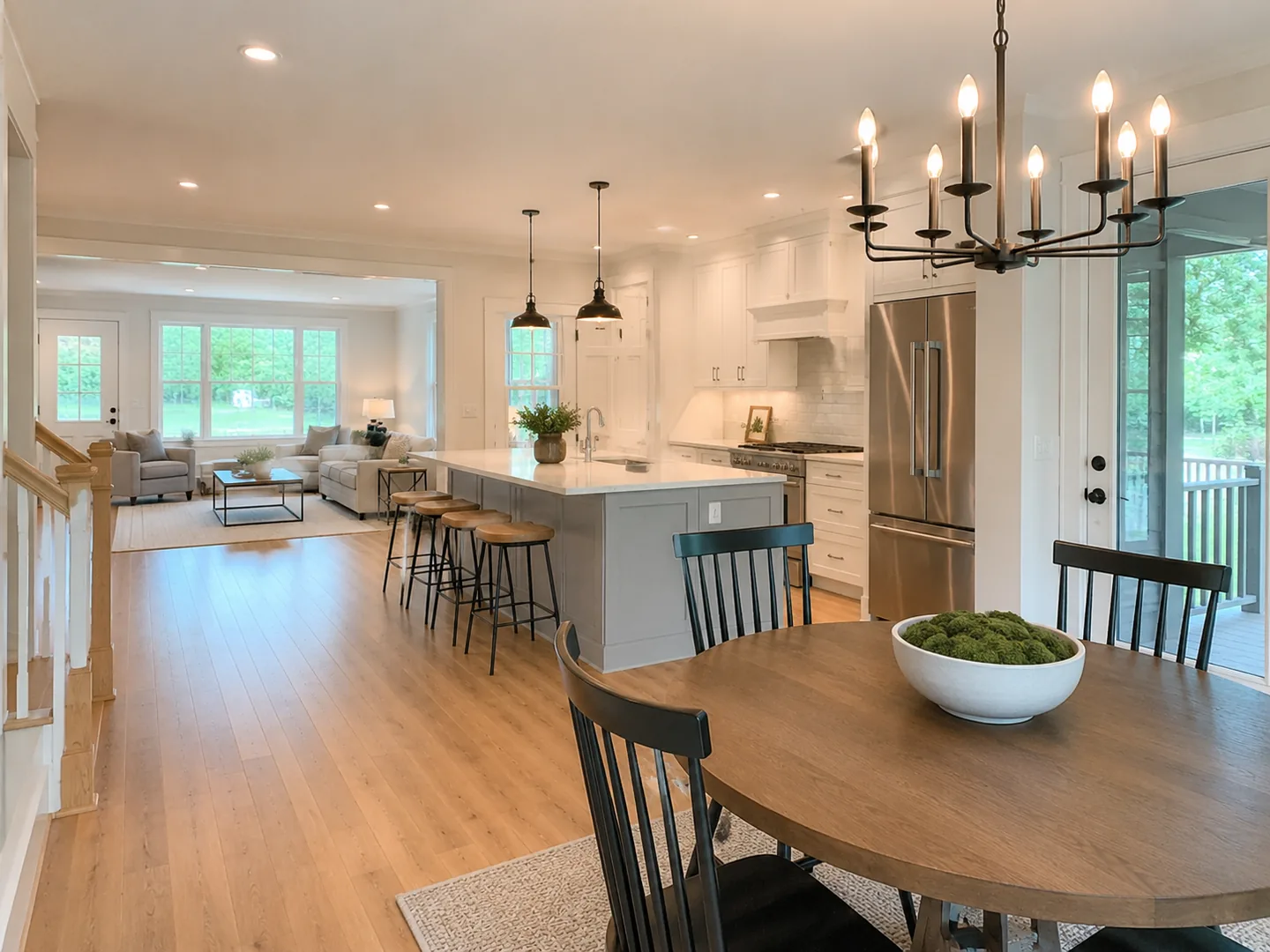
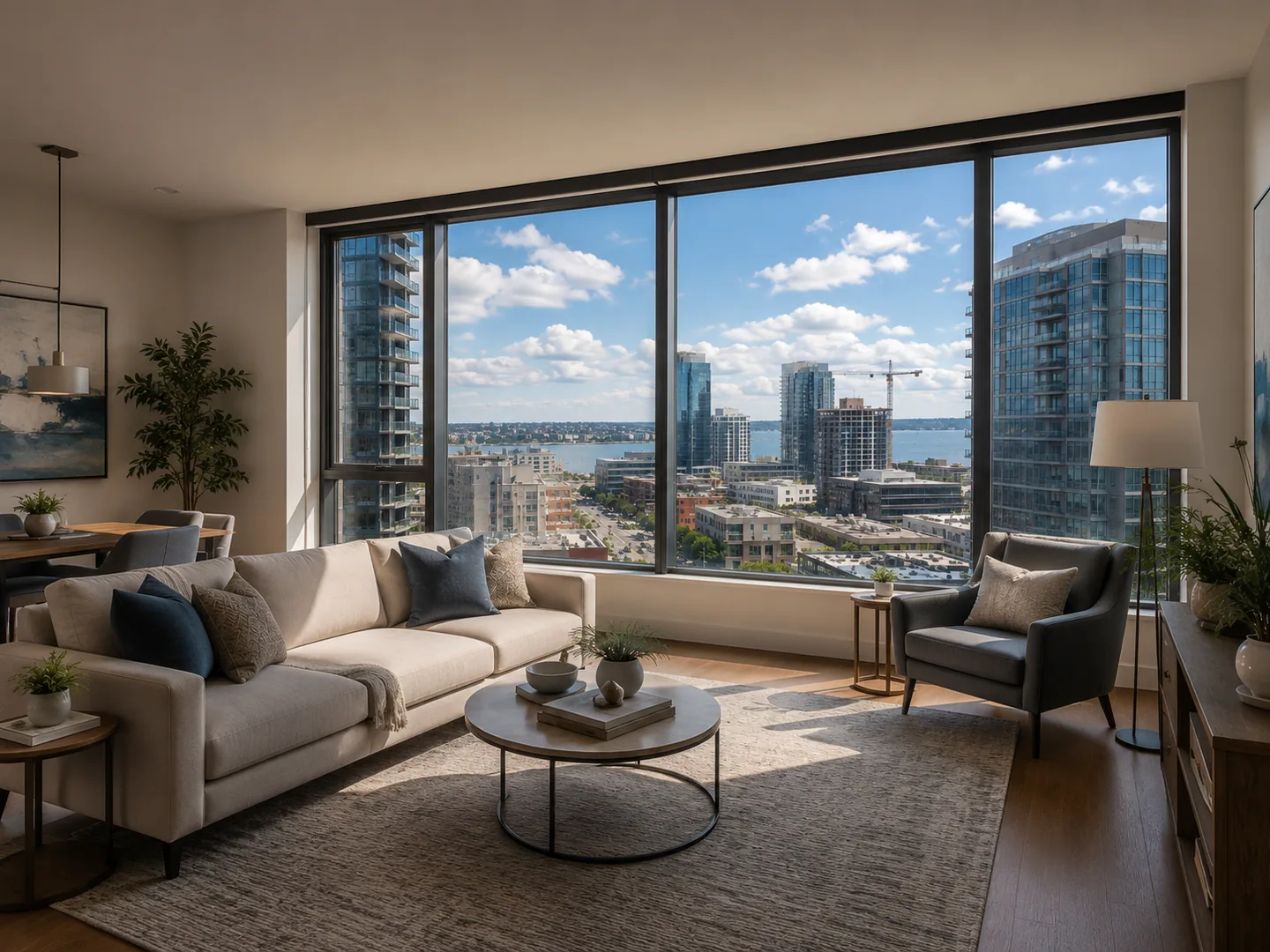
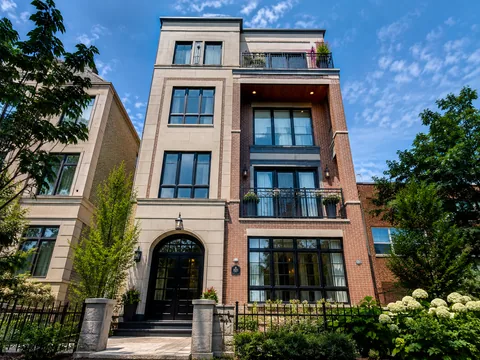
Cinematic push-in
A restrained movement for interiors and feature details.
AI REAL ESTATE VIDEO MAKER
Use an AI real estate listing video maker to turn approved listing photos into polished property videos without filming or learning a manual editor.
 LOFTCUEListing photos,
Generated examples
These product demos use LoftCue sample property media. Review every generated scene before publishing it for a real listing.
A restrained movement for interiors and feature details.
An exterior movement designed to establish the property.
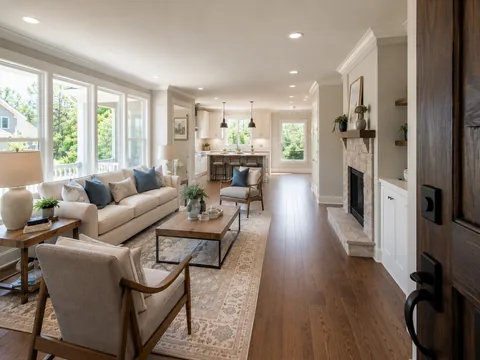
A listing video maker should begin with the property media you already have. Upload interior, exterior and detail photos, choose their sequence, and turn them into a connected property story instead of a static slideshow.
Start with approved listing photos or existing clips, arranged in the order buyers should experience the property.
LoftCue turns photos into moving scenes, then adds captions, AI voiceover, music and brand details you can review.
Export a finished real estate video for your listing marketing, social channels or brokerage workflow.
LoftCue keeps photo-to-video generation, review and finishing work in one guided real estate video maker workflow. Review each generated scene for property accuracy before publication.
Create a version for the destination instead of rebuilding the property story. Prepare vertical social video or landscape output, then choose branded or clean export based on your channel and listing requirements.
LoftCue is an AI real estate video generator for a repeatable, reviewable real estate photo to video workflow, reducing the repetitive work of a traditional real estate video editor. A videographer remains the right choice when original on-site footage and a bespoke production are the priority.
| Capability | LoftCue AI video maker | Traditional videographer |
|---|---|---|
| Cost | Subscription and usage-based credits | Per-project shoot and production fees |
| Speed | Start from approved photos in one workflow | Schedule filming, then wait for editing and delivery |
| On-site filming | Not required with approved photos or clips | Required for a shoot-led video |
| Reels, Shorts and social formats | Create 9:16 and 16:9 versions from the same media | May require a separate edit request |
| Voice-over | Add AI voiceover in the workflow | Coordinate script, recording and editing |
| Subtitles | Add captions in the workflow | Request and review caption editing |
| Photo enhancement | Enhance photos before turning them into scenes | Handled separately from filming and editing |
| Revisions | Create alternate cuts from the same listing media | Coordinate another edit; new footage may need a reshoot |
| Availability | Start when your listing media is ready—no shoot to schedule | Depends on videographer availability |
Use the same approved listing media to produce launch reels, feature-focused cuts and channel-specific versions while keeping brand details and review in the same workflow.
FAQ
A real estate video maker turns property media into marketing video. LoftCue starts with listing photos and helps you create, review and export scenes with motion, captions, AI voiceover, music and branding.
Yes. Upload approved listing photos, choose a style and format, and LoftCue generates connected scenes for you to review and assemble into a listing video.
Yes. LoftCue uses AI to create motion from listing photos and help assemble the video. Review every generated scene for property accuracy before publishing.
No. The guided workflow replaces much of the traditional timeline work with upload, generation, review, branding and export steps.
Yes. Create vertical 9:16 listing videos for Instagram Reels, TikTok and YouTube Shorts, or export a landscape version when needed.
Create with LoftCue
Create a polished listing video with AI motion, captions, voiceover, music, branding and export.
Create a listing video