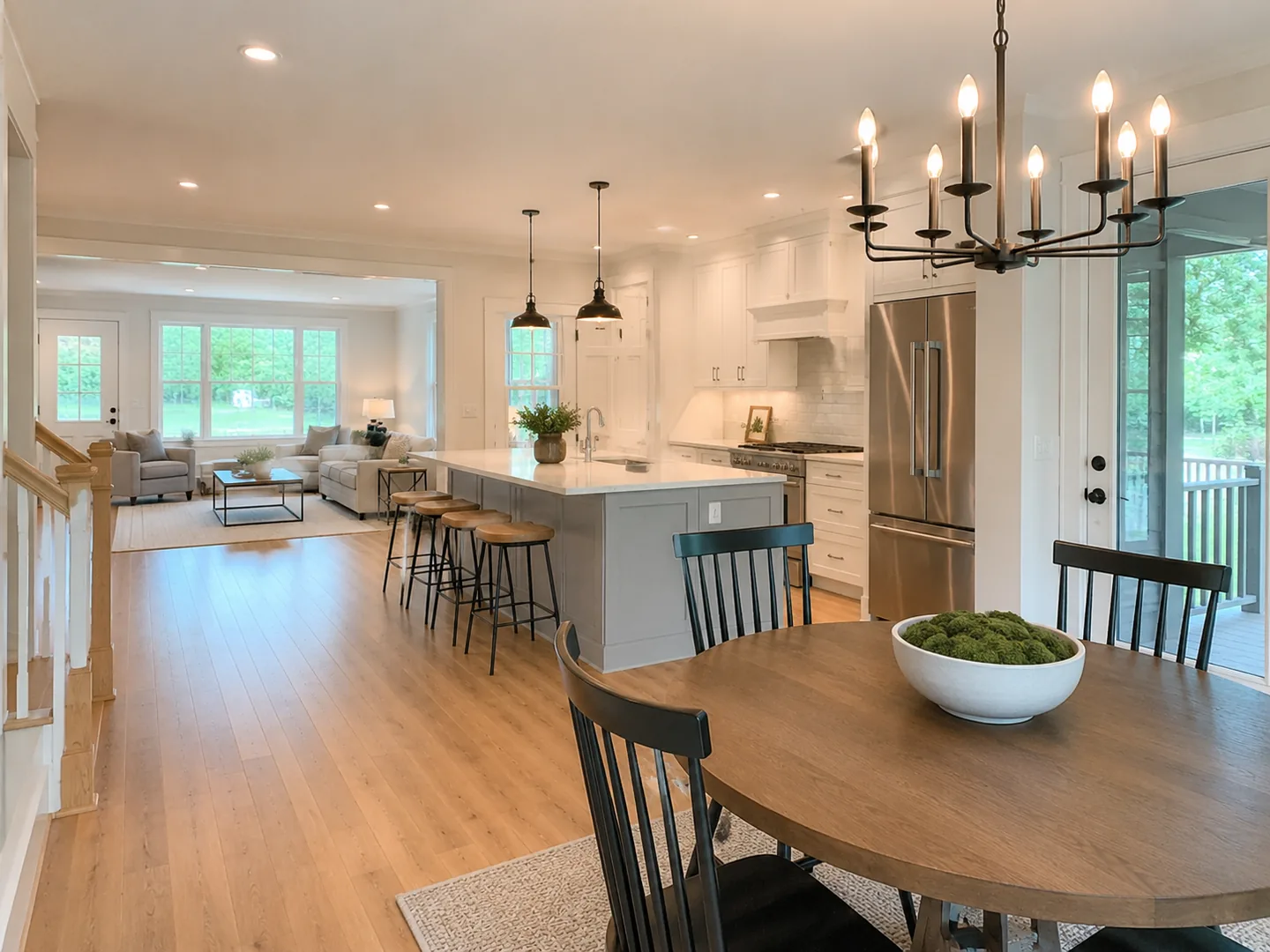
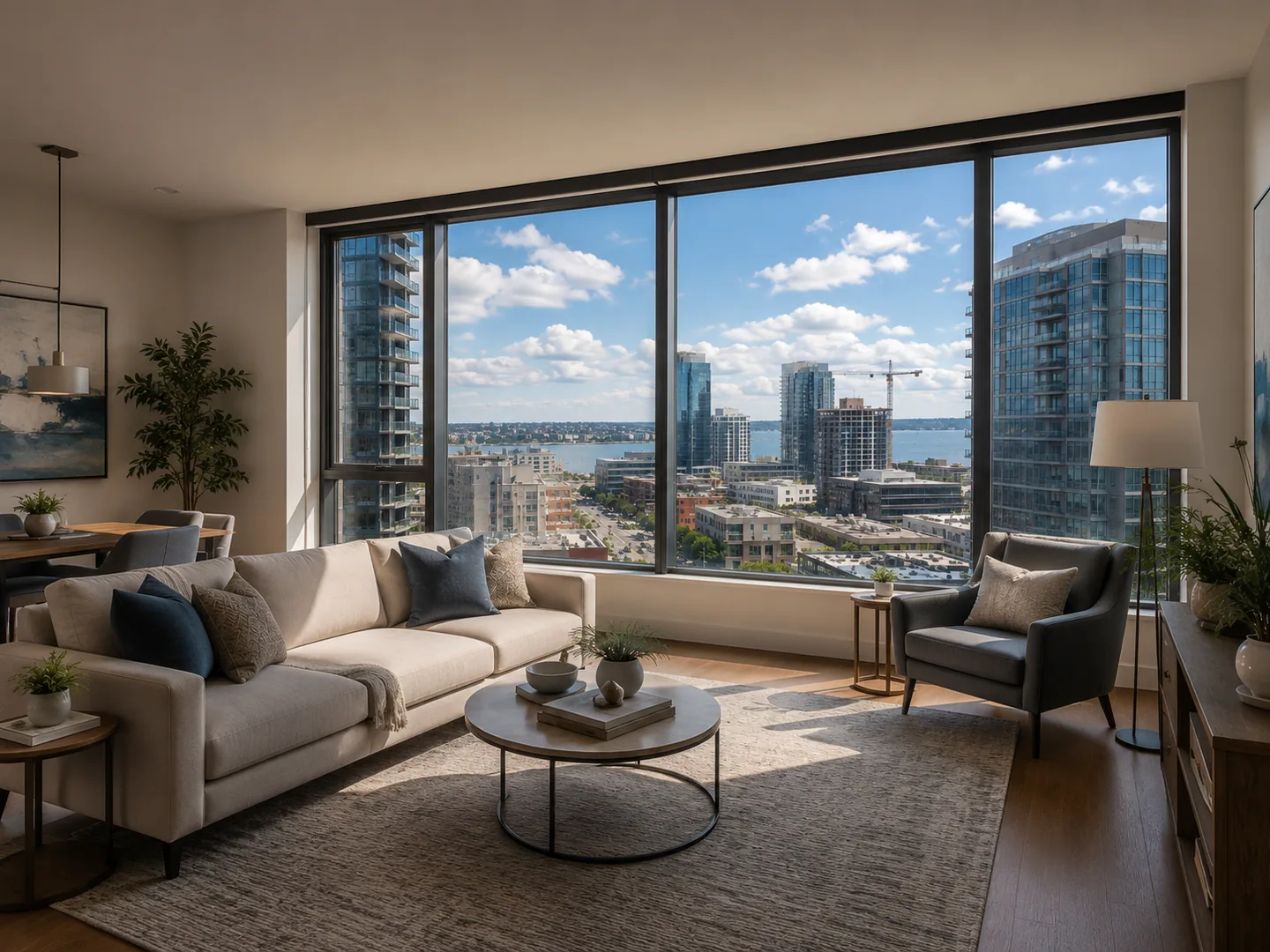
Cinematic push-in
A restrained movement for interiors and feature details.
REAL ESTATE PHOTO TO VIDEO
You already have the listing photos. LoftCue transforms them into cinematic scenes, combines them into a story and prepares the result for your marketing channels.
 LOFTCUEListing photos,
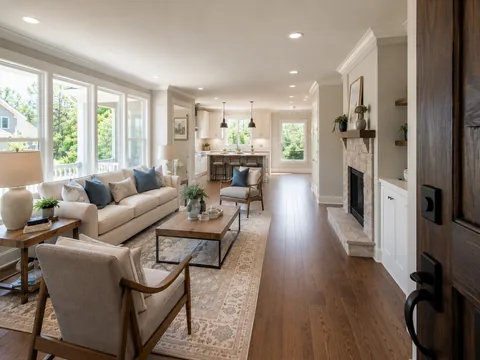
Generated examples
These product demos use LoftCue sample property media. Review every generated scene before publishing it for a real listing.
A restrained movement for interiors and feature details.
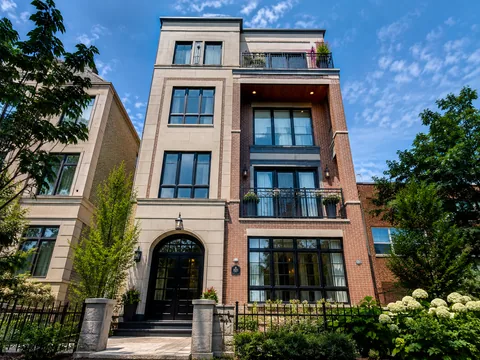
An exterior movement designed to establish the property.
Upload rooms, exteriors, amenities and detail shots. Arrange the sequence so the video follows the way you would introduce the property to a prospective buyer.
Choose motion that fits each image: a restrained push-in for an interior, an approach for an entrance, a reveal for a view or a transition between connected rooms.
Review generated clips, reorder scenes and set the pace. Add a soundtrack, captions and a property-focused voiceover only when they strengthen the story.
Compare each source photo with its generated scene before it reaches the final timeline. AI-generated movement can introduce inconsistencies, so every result remains reviewable before publication.
Create vertical and landscape versions, add contact details and produce branded or clean exports from the same project.
FAQ
Use enough photos to explain the property without repeating similar views. A concise set of strong rooms, exteriors and details usually creates a clearer reel than every available image.
LoftCue is designed to preserve the source property, but generated motion can create visual inconsistencies. Review every scene before publishing.
Yes. Existing clips can be combined with AI-generated scenes in the same project.
Create with LoftCue
Build a polished property reel with AI movement, captions, voice, music and your brand.
Animate listing photos