STEP-BY-STEP GUIDE
How to Make a Real Estate Video From Photos
Professional listing photos are enough to begin. Use them to create a clear property story with restrained motion, helpful narration and branding that keeps the home in focus.
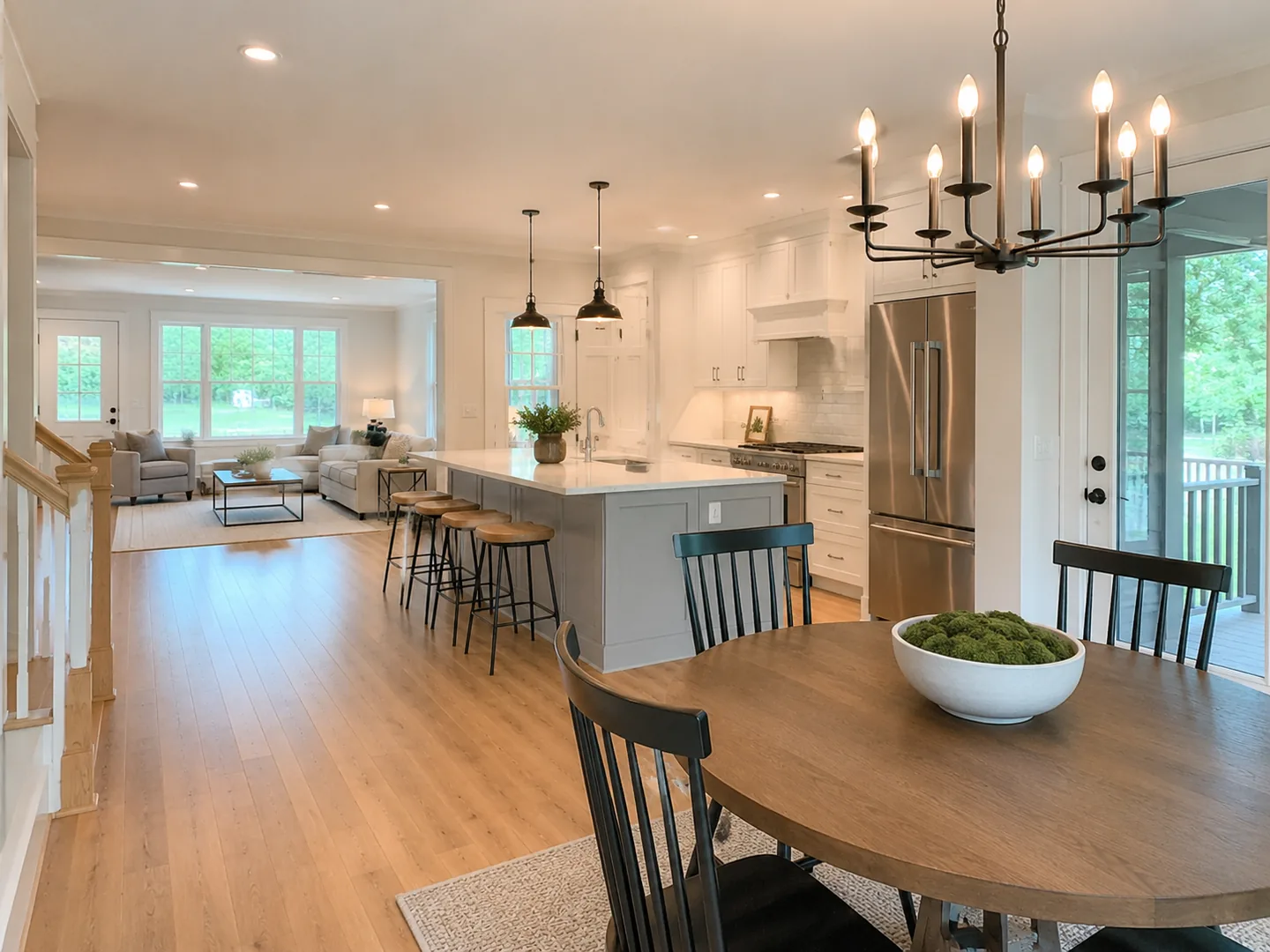
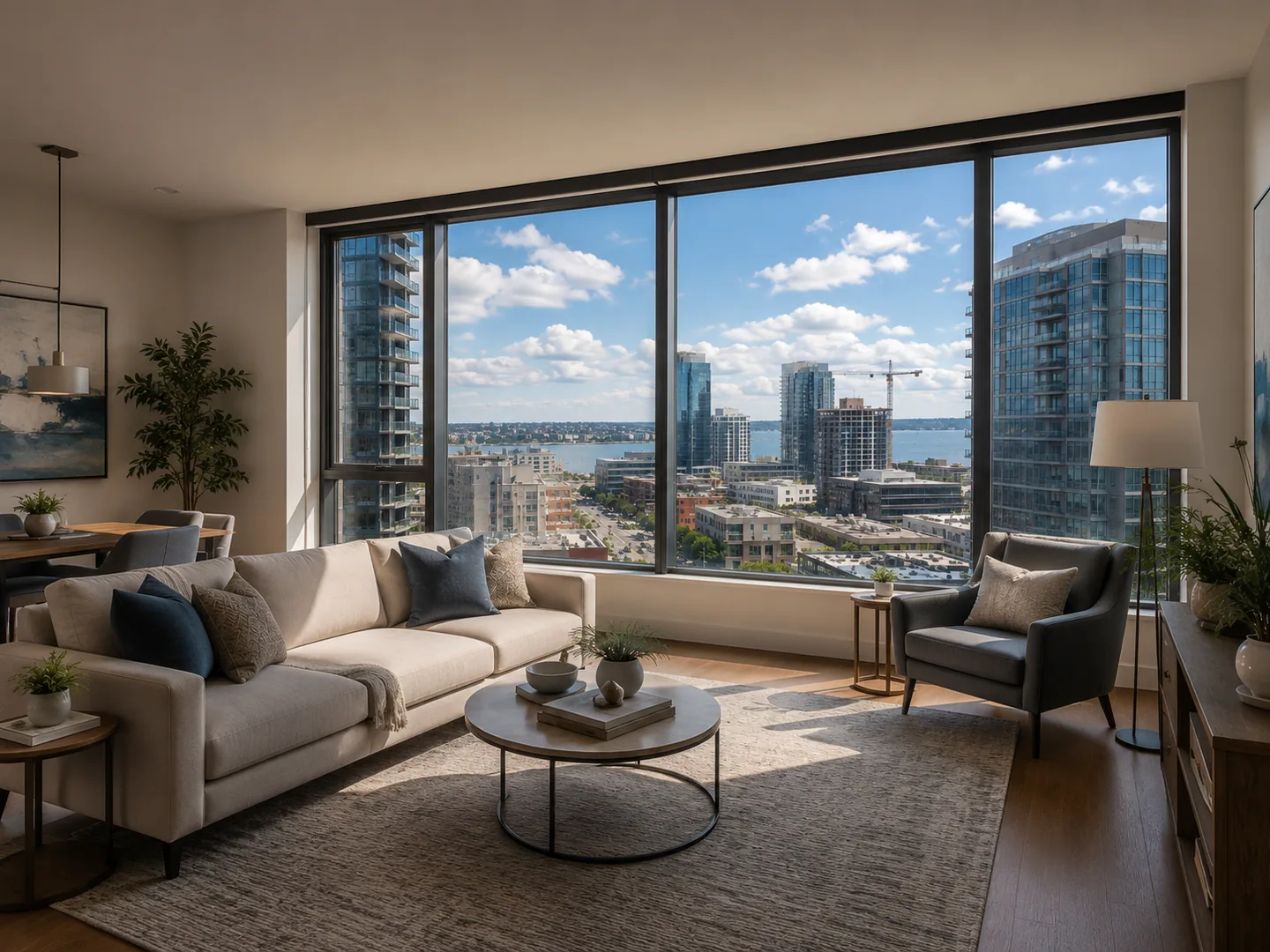
 LOFTCUEListing photos,
ready to move.
Why turn listing photos into a video?
A video gives approved property photography another job to do across social posts, listing presentations and advertising. The goal is not a slideshow: it is a paced visual story that helps a buyer understand the home and its atmosphere.
- Reuse existing listing photography
- Create vertical social cuts and landscape presentations
- Keep output consistent across listings
- Avoid scheduling another property shoot when photos are ready
Step 1: Select the strongest property media
Start with a concise set of clear photos and any useful existing clips. Include the exterior, entrance, key living spaces, kitchen, primary bedroom, bathroom, outdoor areas, views and architectural details that make the property distinctive.
- 1Exterior or establishing image
- 2Entrance and main living area
- 3Kitchen and dining space
- 4Primary bedroom and bathroom
- 5Additional rooms, outdoor space and final view
Step 2: Improve consistency before adding motion
Check exposure, color balance, sharpness, shadows and highlights before generating scenes. Small differences between photos become more obvious in a video, so the aim is a clean, consistent presentation rather than an unrealistic transformation.
- Preserve the real appearance of the property
- Correct uneven brightness and color balance
- Use only approved source images
- Review enhanced images before they become scenes
Step 3: Generate motion that suits each scene
Transform still photos into short scenes with controlled camera movement. A slow push-in can suit an interior, a gentle pan can open up a wide room and an exterior approach can establish the home at the beginning of the video.
- Use slow push-ins for interiors and details
- Use gentle pans for wide rooms
- Use an approach or reveal for exteriors and views
- Vary movement between scenes without making it distracting
Step 4: Write a concise property script
Let the visuals carry most of the story. Use narration to add the facts and benefits that are not obvious from a room image, such as location, layout, renovations, outdoor space, nearby amenities or the lifestyle the property supports.
- Lead with the property’s strongest differentiator
- Mention only details worth hearing
- Match the script to the video’s length
- Leave viewers enough time to look at each scene
Step 5: Add a natural AI voiceover
Choose a voice with clear pronunciation, measured pacing and an appropriate tone for the listing. A calm delivery can support a premium home, while a modern urban listing may call for more energy. Review the final read for accuracy before publishing.
- Natural pacing and intonation
- Clear pronunciation of addresses and features
- Consistent volume
- A tone that fits the property and brand
Step 6: Assemble scenes into a clear walkthrough
Arrange scenes in the order a buyer would naturally experience the property, then synchronize them with the script. Clean, subtle transitions usually feel more premium than aggressive effects and make the listing easier to follow.
- 1Open with the exterior
- 2Move through primary living spaces
- 3Show bedrooms and bathrooms
- 4End on outdoor space, a view or final exterior
- 5Review the full sequence before export
Step 7: Apply branding at the finish
Add the brokerage or agent logo, name, contact details, website, brand colors, property address and a call to action only where they support the message. The property should remain the primary focus of every scene.
- Reuse a brand kit across listings
- Keep logos and contact details unobtrusive
- Create a clear final call to action
- Export branded and clean versions when needed
What makes a photo-led real estate video work?
Strong source photography, realistic motion, consistent visual treatment, a logical scene order and natural narration separate a polished property video from a basic slideshow. Every AI-generated scene should be reviewed to confirm that the property remains accurate.
Choose length and aspect ratio for the destination
For social, a focused 20–60 second edit is often enough to introduce one property. A listing page or a detailed showcase can support a longer cut when there is more to explain. Use vertical 9:16 for short-form social placements and landscape 16:9 when the destination calls for a conventional website or YouTube presentation.
| Destination | Useful starting length | Typical format |
|---|---|---|
| Instagram Reel | 20–45 seconds | Vertical 9:16 |
| TikTok property video | 20–60 seconds | Vertical 9:16 |
| YouTube Short | 30–60 seconds | Vertical or square |
| Listing website video | 45–120 seconds | Landscape 16:9 |
| Detailed property showcase | 1–3 minutes | Landscape 16:9 |
Use one workflow from photos to finished video
LoftCue brings photo enhancement, cinematic scene generation, voiceover, scene assembly and branding into one guided workflow. Upload approved listing media, choose a direction, review each generated result and export the version that fits the channel.
FAQ
Common questions
Can AI turn real estate photos into video?
Yes. AI can generate short scenes from still listing photos, then combine them with narration, music, captions and branding. Review every generated scene to confirm that it represents the property accurately.
How many photos do I need for a real estate video?
Use the strongest photos that explain the property without repeating similar views. A concise set of exterior, key rooms, details and outdoor spaces usually tells a clearer story than every available image.
Do I need footage to make a property video?
No. You can start with approved listing photos and add existing walkthrough or drone clips when they are available.
Should a real estate video be vertical or horizontal?
Use vertical 9:16 for short-form social placements. Use landscape 16:9 for a listing website, a conventional YouTube video or another destination that benefits from a wider presentation.
Sources
References and official product links
Reviewed August 28, 2026
Create with LoftCue
Turn the listing photos you have into the video you need.
Build a polished property reel with AI movement, captions, voice, music and your brand.
Create a video from photos