EDITING GUIDE
Real Estate Video Editing Services: Costs, Process and Alternatives
Real estate video editing services range from a freelance walkthrough edit to an agency workflow, desktop software and AI photo-to-video. The right choice depends on your source media, deadline, creative control and how often you publish.
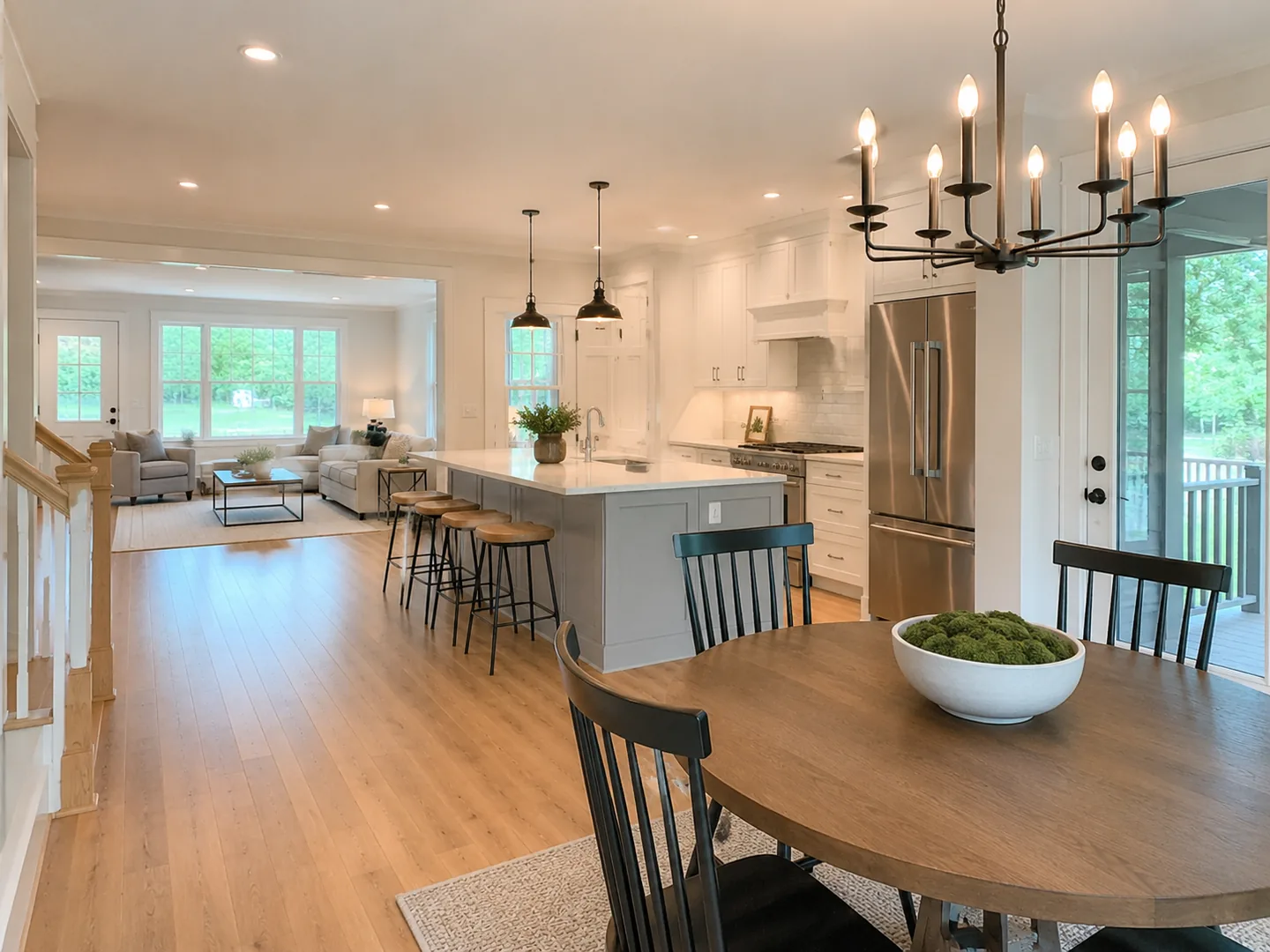
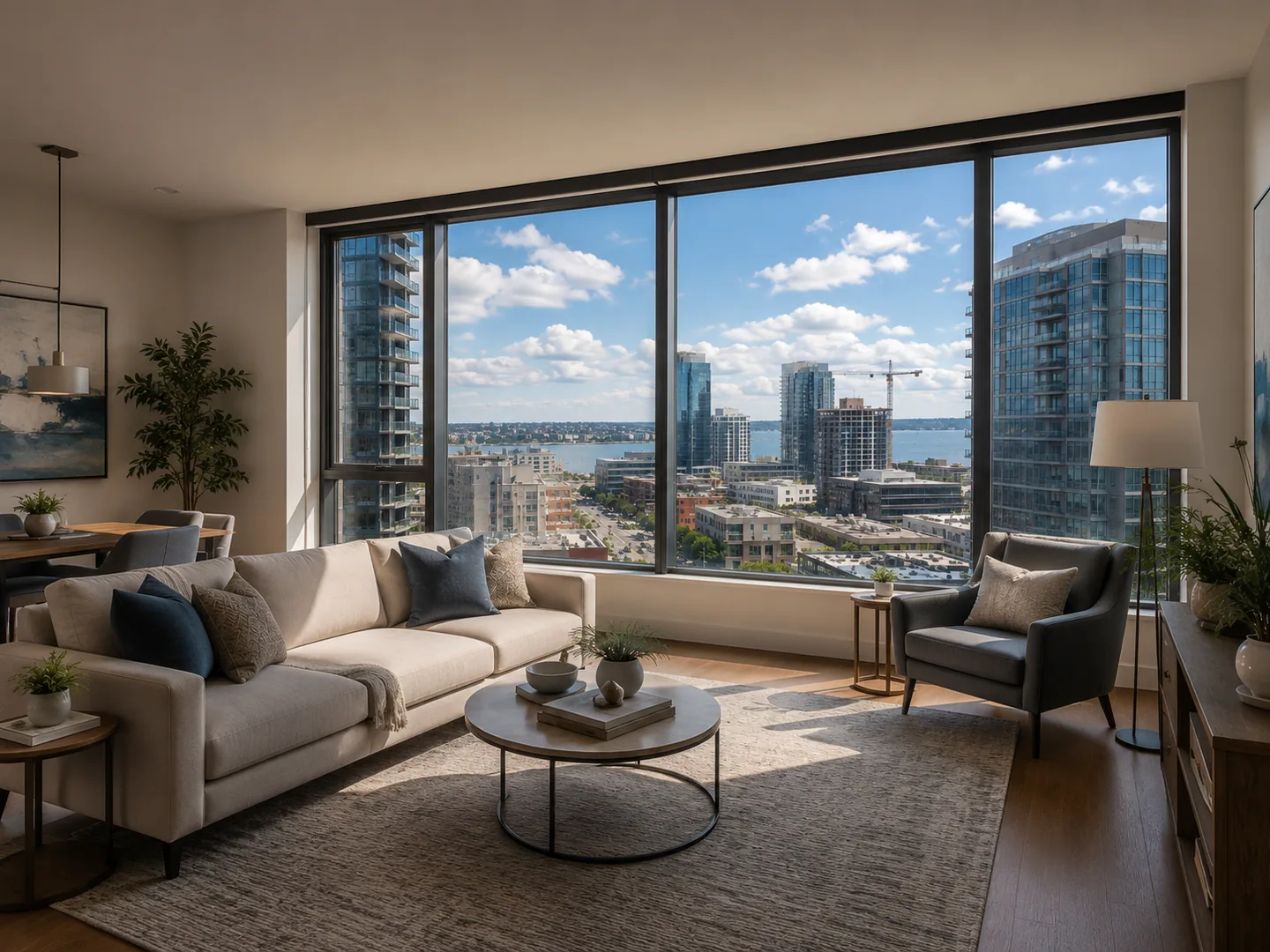
 LOFTCUEListing photos,
ready to move.
What real estate video editing services include
At its simplest, real estate video editing turns unedited property material into a coherent marketing video. A standard edit can include selecting usable takes, arranging rooms in a logical sequence, trimming, exposure and color correction, stabilization, music, audio balancing, property details, brokerage branding and final exports.
The scope changes quickly when a project includes walkthrough footage, drone clips, agent dialogue, listing photos, multiple cameras, custom motion graphics or difficult lighting. A clean 60-second walkthrough with music and text is a different job from a luxury listing film with log footage, sound design, masking, visual effects or extensive shot repair.
Before requesting a quote, specify the final duration, total raw-footage duration, number of videos, aspect ratios, branded or unbranded versions, source-file ownership and revision policy. A separate vertical cut, rush delivery or a new creative direction after approval may be additional scope rather than a routine edit.
Also clarify who supplies and licenses music, stock footage, fonts and graphic assets. The final MP4 is not automatically the editable project file, and a project file may not be useful without the linked footage, fonts and licenses. If another editor may continue the work later, put those handoff requirements in writing before production starts.
- Interior and exterior walkthrough footage
- Drone and aerial footage
- Agent introductions or talking-head sections
- Property facts, brand assets and captions
- Landscape and vertical deliverables
Real estate video editing services cost and turnaround
Pricing and turnaround examples below were checked on September 3, 2026. They are published examples, not a market-wide guarantee: footage quality, raw-media volume, deliverables, revisions and creative complexity can raise a quote.
Raw footage is often the decisive cost driver. A 60-second finished video made from 15 well-shot clips takes less review and repair than another 60-second video assembled from an hour of inconsistent footage. Ask about source-media limits before comparing a per-video price.
Turnaround should be read just as carefully. A provider may be promising a first draft, not the final approved edit, and the timer can begin only after a complete brief and upload. Check the deadline for each revision round, whether weekends count and whether the provider will flag a complex project before work begins.
| Option | Published price example | Turnaround and revisions | Best fit |
|---|---|---|---|
| Freelance real estate video editor | $10–60/hour; $75–300 for a typical 1–3 minute single-listing edit | Set by the freelancer and brief | A direct creative relationship and a particular editing style |
| Specialized real estate editing service | ListingCut: $99, $149 or $199 per listing | 24–48 hours; 2 revision rounds on listed plans | A defined listing-video package with predictable exports |
| Subscription editing service | Video Husky: from $849/month | 1–3 business days for a first draft; plan-dependent revisions | Teams with a continuing queue of footage-led work |
| DIY editing software | DaVinci Resolve: free; Resolve Studio: $295 one time; Final Cut Pro: $299.99 one time | Your own schedule and unlimited self-revisions | An agent or team with editing skill and time |
| AI photo-to-video | Subscription or credit pricing varies by product | Generation plus human review, not an editor SLA | Repeatable videos that begin with approved listing photos |
How the real estate video editing process works
A good process begins before anyone opens an editing timeline. Send the highest-quality original files available, not social-media downloads or repeatedly compressed copies. Include footage and photos, the confirmed address and property details, logo and brand assets, intended platforms, and one or two style references.
For the first edit, the editor reviews and organizes the material, chooses takes, creates a room-to-room sequence, balances obvious visual differences, adds music and graphics, then shares a review version. Clear instructions about the destination matter: a landscape property tour and a vertical social video need different framing, title placement and pacing.
Consolidate feedback. Timestamped requests such as ‘00:23: replace the kitchen shot with clip 014’ are faster and less ambiguous than general reactions from several reviewers. Agree whether a different aspect ratio, newly uploaded footage or a substantially new style counts as a revision or a new deliverable.
For final delivery, ask for the actual files you need: for example, a 16:9 master, a 9:16 social cut, branded and clean versions, and—only if future handoff matters—the editable project and linked assets. An H.264 MP4 is a practical default for ordinary online delivery, but resolution, frame rate and destination platform should be agreed in the brief.
Protect the review stage in the schedule. The fastest editor cannot finish on time if property facts, compliance wording or brand approval arrive late. Assign one person to consolidate feedback and confirm the final version; it prevents contradictory requests and makes the revision allowance easier to use well.
- 1Share original media, property facts and a clear brief
- 2Confirm scope, formats, timeline and revisions
- 3Review the first cut with consolidated timestamped feedback
- 4Approve final branded, clean and social exports
- 5Archive source files and project files if included
Agency vs freelancer vs editing software vs AI
These choices are alternatives only at a high level. Agencies and freelancers perform human post-production on footage; professional software gives that control to you; an AI photo-to-video workflow starts from a different input and reduces the conventional timeline work.
| Editing company or agency | Freelancer | Editing software | AI photo-to-video | |
|---|---|---|---|---|
| Primary input | Raw video, audio, photos and drone | Raw video, audio, photos and drone | Any media you can edit | Usually approved listing photos |
| Who performs the work? | Human editing team | Individual human editor | You or an in-house editor | Software automates much of the assembly |
| Creative control | High | High | Highest with the right skill | More structured |
| Operational effort | Low after briefing | Low to medium | High | Low to medium |
| Main tradeoff | Higher recurring cost | Availability and consistency vary | Learning curve and editing hours | Not equivalent to bespoke footage post-production |
When professional editing is worth it
Professional editing is usually the stronger choice when the value of the project comes from the footage itself. Consider a human editor for a luxury or flagship listing, multiple cameras, drone material that needs precise selection, agent dialogue, mixed lighting, log footage, significant audio work, custom graphics, compositing, masking or a tightly controlled visual style.
Desktop tools such as DaVinci Resolve offer dedicated editing, color, visual-effects and audio workflows for a reason: these projects need detailed judgement rather than automatic assembly. A professional editor can also make decisions across imperfect takes, pacing, sound and brand direction that a repeatable photo-led workflow is not designed to replace.
This does not mean every listing needs a high-touch production. The useful question is whether the footage and the property justify the extra creative control, coordination and revision cycle. For a once-in-a-while signature property, the answer can be yes; for a repeatable content calendar, the production constraint may be speed instead.
When an AI tool is faster for real estate video editing
AI is often faster when the starting point is fundamentally different: you already have strong listing photos but no dedicated video shoot. In that case, a photo-to-video workflow can create motion, assemble scenes, add captions, voiceover, music and branding without asking the agent to build a conventional editing timeline.
Use this option for routine photo-led social videos, listing launches and format variants where repeatability matters. It is not a claim that AI replaces professional editing of complex drone, dialogue, multicamera or cinematic footage. Generated scenes should always be reviewed for property accuracy before publication, especially where movement could imply a detail that was not present in the original photo.
The choice can change by property. An agent might hire an editor for a premium, footage-led film while using AI for faster social content from approved photos on ordinary listings. That mixed workflow is often more realistic than trying to force every property through one production method.
Checklist for choosing an editor or editing software
Compare proposals and tools against the same brief. A low starting price is not comparable if one option includes a vertical cut, licensed music and two revisions while another bills each separately. Confirm what happens when the listing changes or new footage arrives.
For a freelancer or agency, review recent work that resembles the property and destination channel rather than relying on a general showreel. For software, try the workflow on one real listing and measure the total time from assets to approved export. The best option is the one that reliably fits your media, approval process and publishing cadence.
- Can the workflow start from your actual source material: raw footage or listing photos?
- How much raw footage, final runtime and how many exports are included?
- Do you receive 16:9, 9:16, branded and unbranded versions?
- Is the quoted deadline for a first draft or the final approved delivery?
- How many revisions are included, and what counts as a scope change?
- Can the provider handle drone, dialogue, custom motion, color and audio needs?
- Are music, stock assets and project files licensed or included for your use?
- Who reviews AI-generated scenes for accuracy before publication?
LoftCue for photo-led listing videos
LoftCue is an alternative when your source material is primarily approved listing photography. Its guided workflow turns photos into connected scenes and lets you review the result, add captions, AI voiceover, music and branding, then prepare vertical 9:16 or landscape 16:9 output.
It is best evaluated as a workflow for repeatable photo-led videos, not as a universal replacement for an experienced editor. A cinematic project involving extensive drone material, dialogue, multicamera editing, difficult color work or custom effects remains a strong case for professional post-production.
For an ordinary listing where the photography is already complete, the question changes from ‘who should edit the footage?’ to ‘do we need to shoot footage at all?’ Explore the related video editor, video maker, photo-to-video and pricing pages to decide whether the workflow fits the listing and your production volume.
FAQ
Real estate video editing FAQ
How much does real estate video editing cost?
Current published examples range from Upwork's $10–60 hourly benchmark and $75–300 typical single-listing edit to ListingCut's $99–199 listing packages. More footage, versions, graphics, color and audio work, a rush deadline and extra revisions can all change the quote. Prices were checked September 3, 2026.
How long does real estate video editing take?
For standardized outsourced work, some providers publish a first draft in one to three business days. ListingCut lists 24–48 hours for its packages and Video Husky lists one to three business days. Treat those as provider-specific service levels, not a guarantee for every project or approval cycle.
What source files should I send a real estate video editor?
Send original camera and drone clips, approved listing photos, property facts, logo and brand assets, desired platforms and clear style references. Specify whether a vertical cut, clean version, captions, editable project files or other deliverables are required before work begins.
What format should a real estate editor deliver?
For ordinary online delivery, H.264 MP4 is a practical default. Also agree on aspect ratio, resolution, frame rate and branding. Request separate 16:9 and 9:16 compositions when both landscape and vertical publishing matter.
Do I need a separate vertical real estate video?
Yes, when vertical social publishing is important. Treat 9:16 as its own composition, not a last-minute center crop of the 16:9 master: important room details and titles often need different framing and placement.
Do I need footage to make a real estate video?
Not always. Traditional editing starts with recorded footage, but an AI photo-to-video workflow can start with approved listing photography. This is useful when photos already exist; it is not a substitute for bespoke post-production of complex original footage.
Sources
References and official product links
Reviewed September 3, 2026
- Upwork: real estate video editor hiring guide and cost examples
- ListingCut: real estate video editing packages, revisions and turnaround
- Video Husky: subscription pricing and turnaround
- Blackmagic Design: DaVinci Resolve and Resolve Studio pricing
- Apple: Creator Studio and Final Cut Pro pricing
- Apple Compressor: built-in delivery presets
Create with LoftCue
Create a listing video when photos are the starting point
LoftCue turns approved listing photos into a reviewable, branded video workflow. Use a professional editor when the project depends on complex original footage or bespoke post-production.
Create a real estate video from your listing photos